## 1.
**[Preview and Design](#preview)**
## 2.
[**How to create**](#creation)
## 3.
[**How to translate**](/site-configuration/edit-translations "Edit translations")
### Warning
Creating a new iframe media is restricted to Admins.
If you need, ask the QA team through Jira
[Use Jira for assistance](/node/386)
---
## Preview
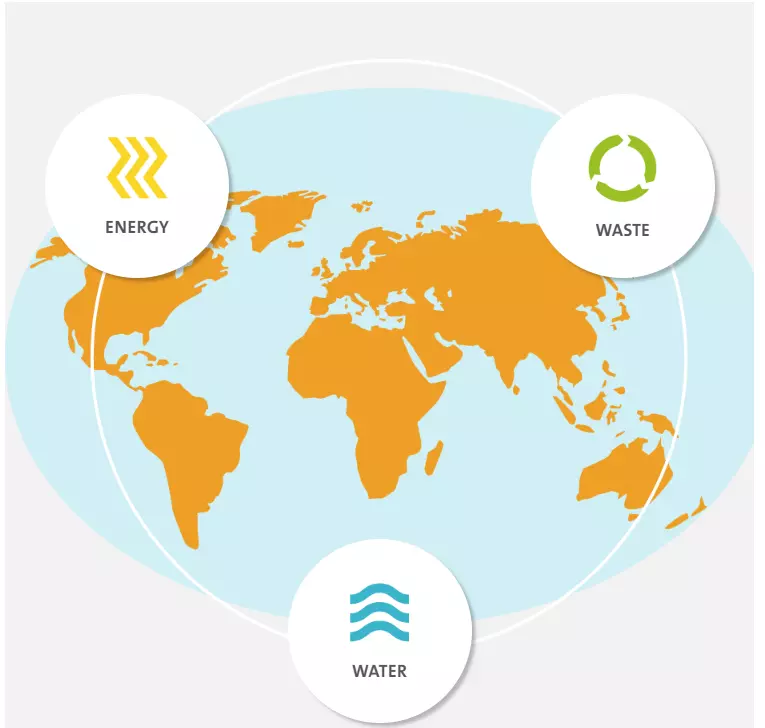
Example of Iframe block
## Information architecture
The Iframe media allows to display any external page in Iframe.
It can be created and edited **only by Administrator users.**
## Design
Media can be added to the [**Embed paragraph.**](/components/embed-component "Embed component")
Iframe media occupes all available paragraph's width.
Iframe's width and height can be set for the media. Recomended to set width in percents to support compability display. Height should be always set in pixels
---
## How to create it
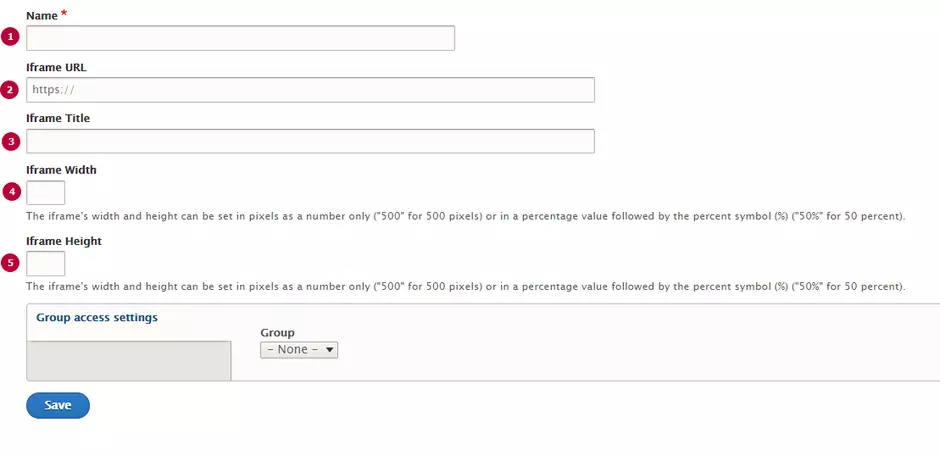
| Field | Description |
|---|---|
| 1 - Name | Used only in the backoffice |
| 2 - Iframe URL | Source URL. Will be displayed in the Iframe. Should starts from https |
| 3 - Iframe Title | Title text, displays above the Iframe |
| 4 - Iframe Width | Width of iframe's window. Can be set in pixels or percents. Width in pixels is more preferable, according to responsive view support |
| 5 - Iframe Height | Height of iframe's window. Should be set in pixels. |
##