## 1.

**[Preview and Design](#preview)**


## 2.

[**How to create**](#creation)


## 3.

[**How to translate**](/site-configuration/edit-translations "Edit translations")


<a name="preview"></a>

---

## Preview

   ![](/sites/g/files/dvc2391/files/styles/default/public/image/2018/11/carousel-wcta.png.webp?itok=0jj_p0pc)   


##  

## Information architecture

Allows to feature visual content on the top of the homepage.

This media is designed to be a single entity per site, only used for the homepage.

Usually a title + background image or a video. Can have a call to action that points to internal page or external URL.

## Text layout rules

Title, description and Call-to-action can be enabled for each slide.

Layout (size and position) are built automatically following the rules below


  Previous          ![](/sites/g/files/dvc2391/files/styles/carousel/public/image/2019/04/Carousel%20with%20CTA%20-%20Example%201_0.png.webp?itok=KNvGWPfs)   



###  Empty slide 

No title, no description, no CTA



   ![](/sites/g/files/dvc2391/files/styles/carousel/public/image/2019/04/Carousel%20with%20CTA%20-%20Example%202_0.png.webp?itok=5SRTiATB)   


###  Slide with CTA only 

No title, no description, CTA


   ![](/sites/g/files/dvc2391/files/styles/carousel/public/image/2019/04/Carousel%20with%20CTA%20-%20Example%203_0.png.webp?itok=GJIBdwIe)   


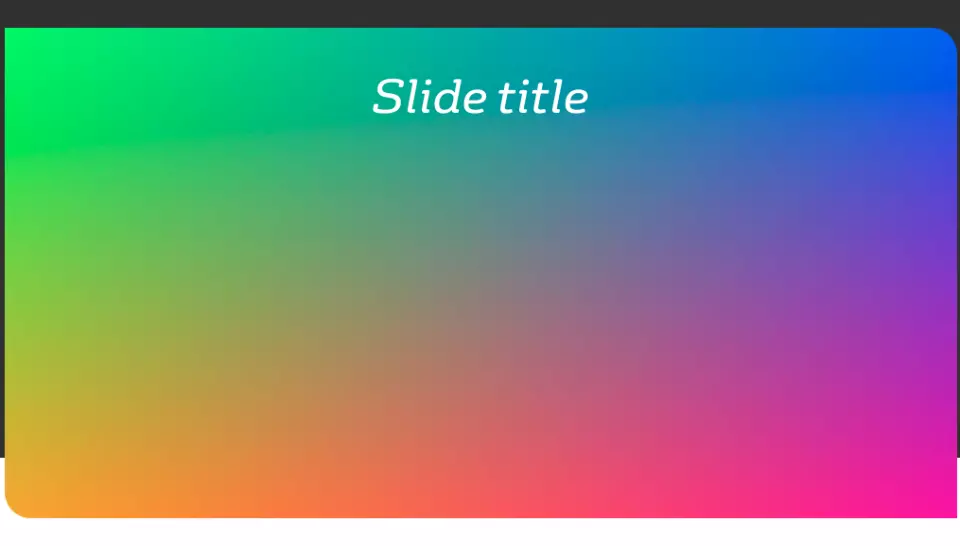
###  Slide with title only 

Title, no description, no CTA



   ![](/sites/g/files/dvc2391/files/styles/carousel/public/image/2019/04/Carousel%20with%20CTA%20-%20Example%204_0.png.webp?itok=lfTkkYqA)   


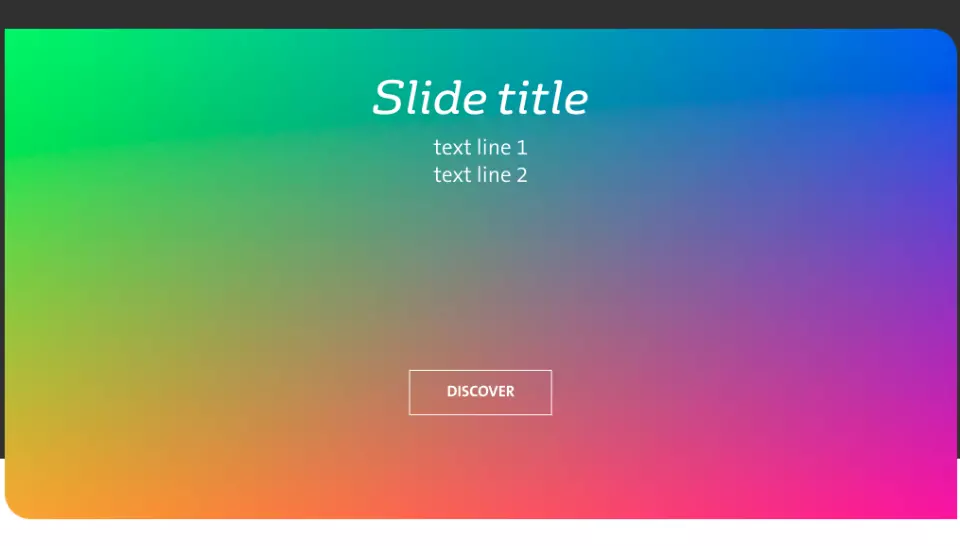
###  Slide with title and CTA 

Title, no description, CTA


    ![](/sites/g/files/dvc2391/files/styles/carousel/public/image/2019/04/Carousel%20with%20CTA%20-%20Example%205_1.png.webp?itok=pMGHiiPV)   


###  Slide with title, description and CTA 

Title, short description, CTA


   ![](/sites/g/files/dvc2391/files/styles/carousel/public/image/2019/04/Carousel%20with%20CTA%20-%20Example%206_0.png.webp?itok=z_OIxow9)   


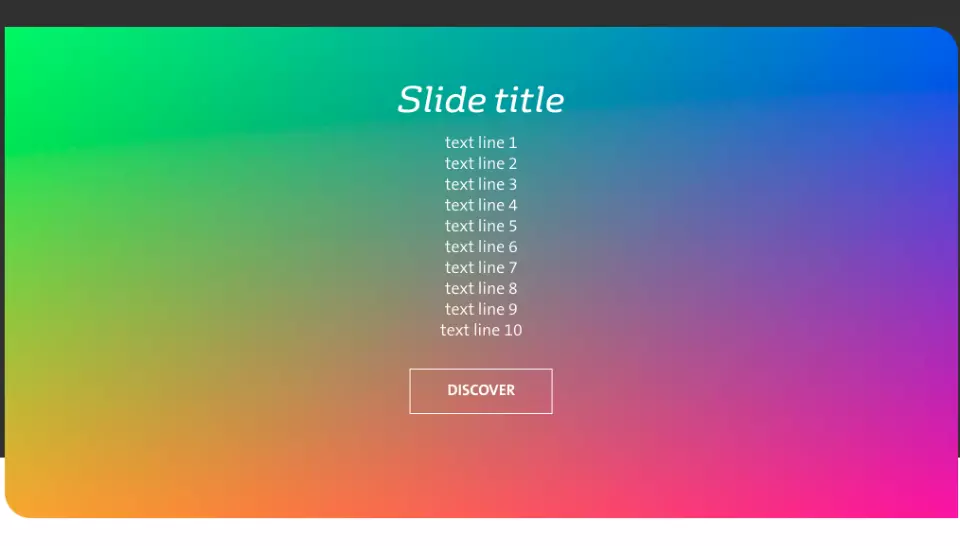
###  Slide with title, description with many lines, CTA 

Title, description with many lines, CTA


   ![](/sites/g/files/dvc2391/files/styles/carousel/public/image/2019/04/Carousel%20with%20CTA%20-%20Example%207_0.png.webp?itok=Mk6pznZR)   


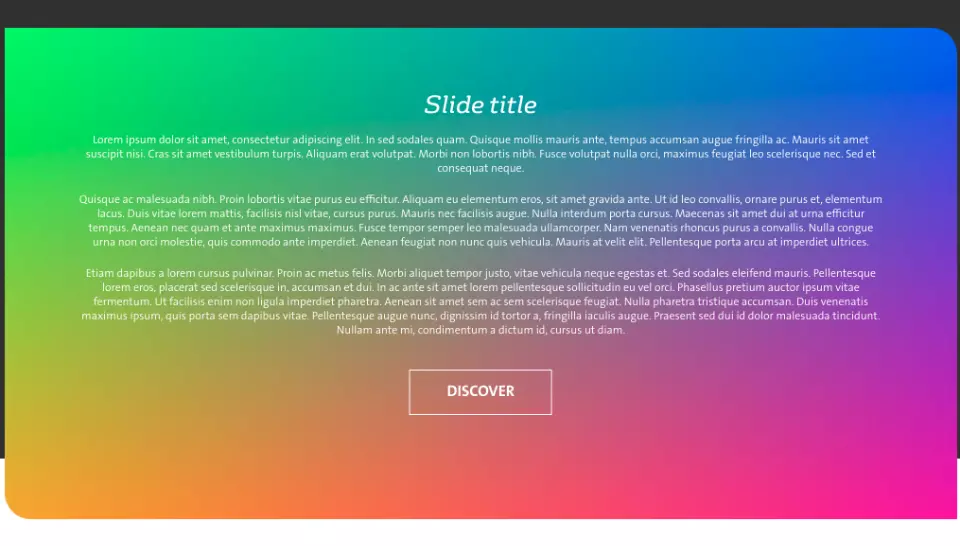
###  Slide with title, long description, CTA 

Title, long description, CTA


   ![](/sites/g/files/dvc2391/files/styles/carousel/public/image/2019/04/Carousel%20with%20CTA%20-%20Example%208_0.png.webp?itok=ceVkJbw0)   


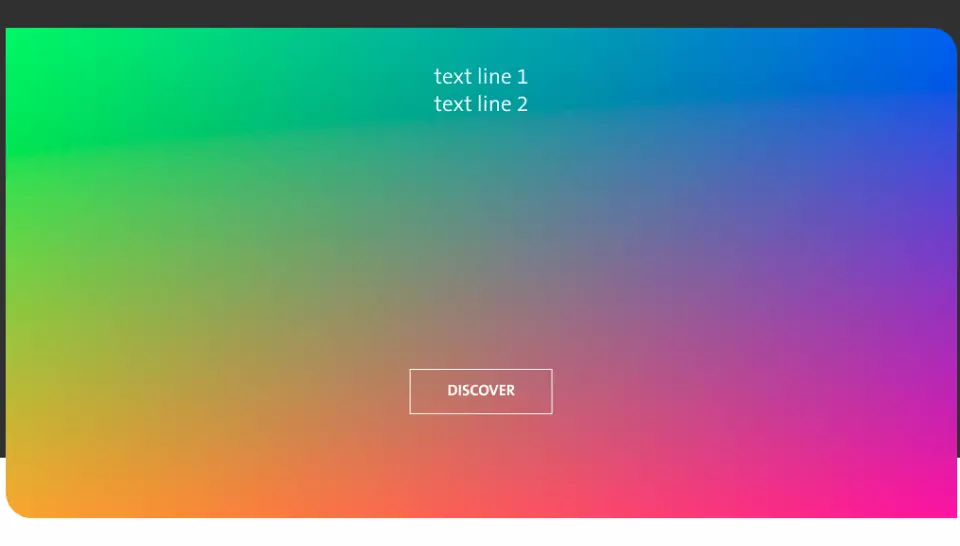
###  Slide with description and CTA 

No title, short description, CTA


   ![](/sites/g/files/dvc2391/files/styles/carousel/public/image/2019/04/Carousel%20with%20CTA%20-%20Example%209_1.png.webp?itok=UOjIMiWf)   


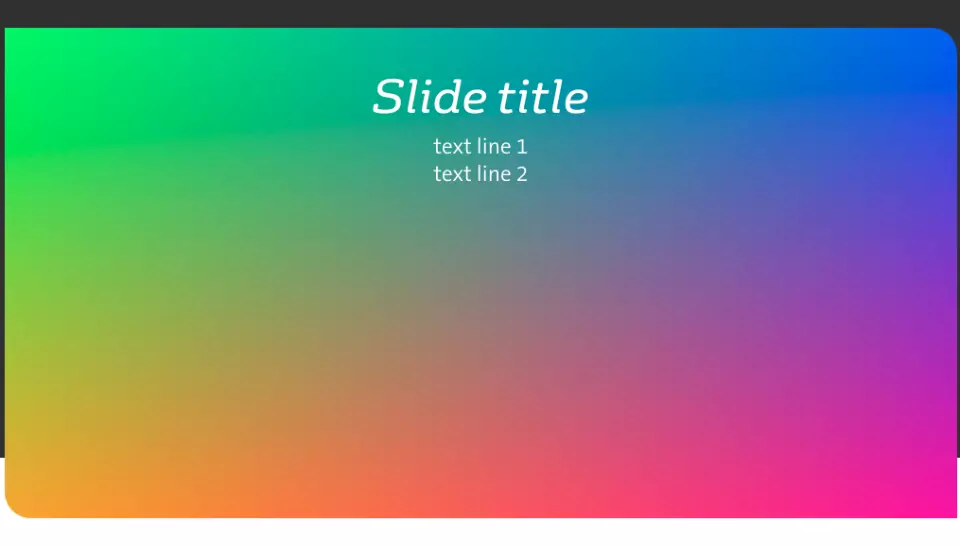
###  Slide with title and description 

Title, short description, no CTA


   ![](/sites/g/files/dvc2391/files/styles/carousel/public/image/2019/04/Carousel%20with%20CTA%20-%20Example%2010_0.png.webp?itok=nJQxsMeH)   


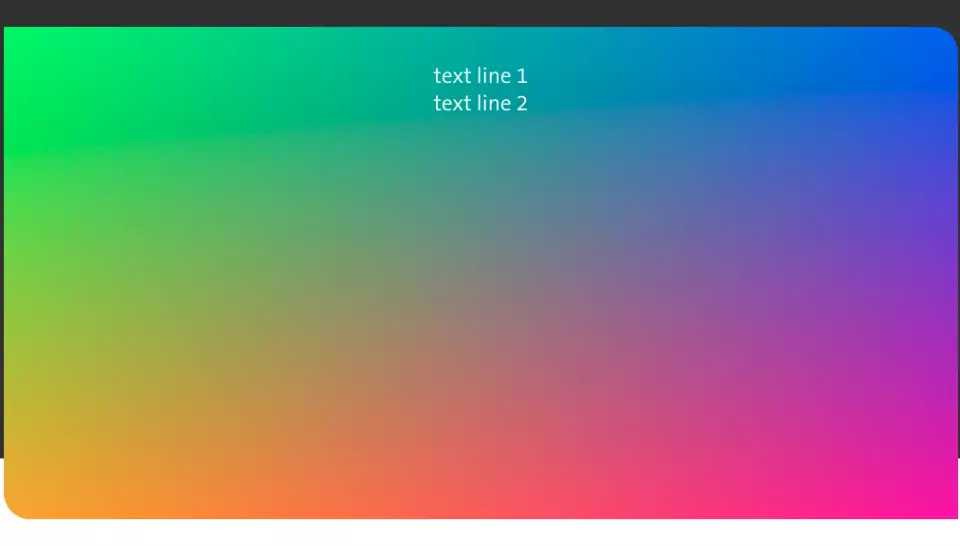
###  Slide with short description only 

No title, short description, no CTA


   ![](/sites/g/files/dvc2391/files/styles/carousel/public/image/2019/04/Carousel%20with%20CTA%20-%20Example%2011.png.webp?itok=GynV6gmC)   


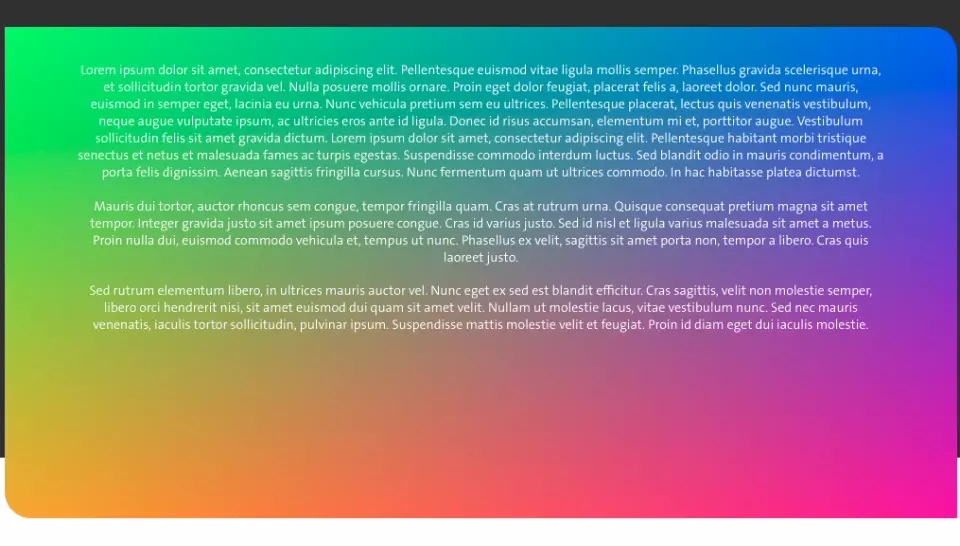
###  Slide with long description only 

No title, long description, no CTA


  Next        


<a name="creation"></a>

---

## How to create it

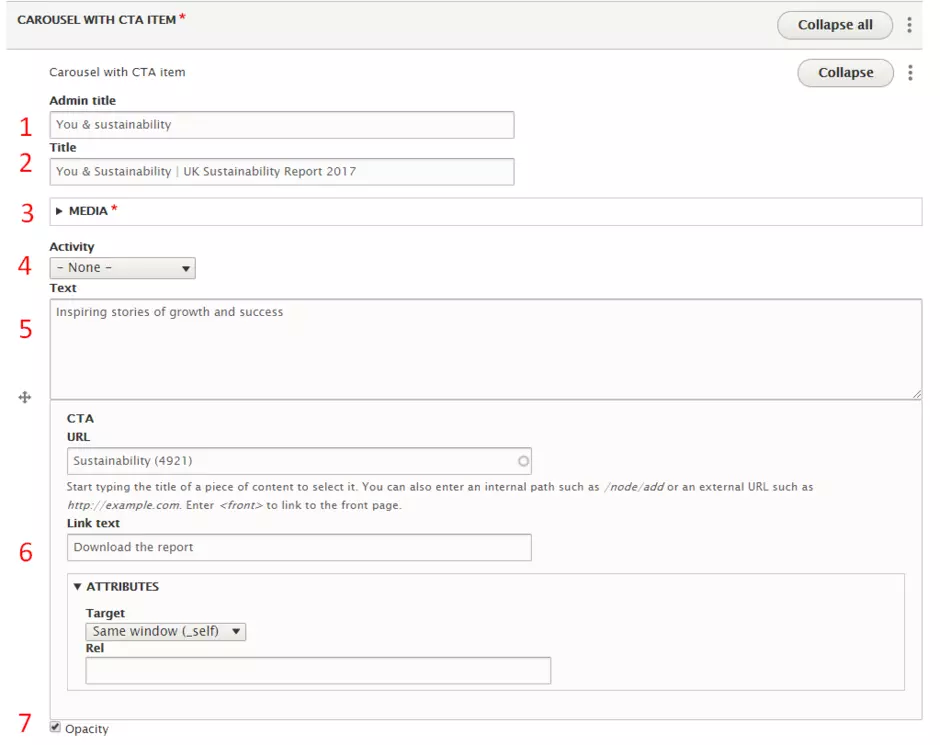
The media Carousel with CTA allows to add a list of Carousel with CTA items. Below the details of fields for a Carousel with CTA item.
   ![](/sites/g/files/dvc2391/files/styles/default/public/image/2018/11/carousel-wcta-item.png.webp?itok=ZZEZx2rW)   


| Field | Description |
|---|---|
| 1 - Admin title | Only used in backoffice |
| 2 - Title | Only visible if media is an image |
| 3 - Media | Can be image or video |
| 4 - Activity | Displays the activity selected as a label on top of the carousel item |
| 5 - Text | Displayed below the title. Only visible if media is an image. |
| 6 - CTA | Allows to add and personalize the call to action. Only visible if media is an image. |
| 7 - Opacity | Select the checkbox to darken the image |