

Roles and permissions
In website back office systems, roles and permissions are essential to regulate access and actions within the platform. Here are all the available roles and permissions in our Site Factory.
Administrator | Site Manager | Content Contributor | Webform Viewer | |
| Create user accounts | ✅ | ❌ | ❌ | ❌ |
| Create & modify pages | ✅ | ✅ | ✅ | ❌ |
| Add media resources | ✅ | ✅ | ✅ | ❌ |
| Manage taxonomies | ✅ | ✅ | ❌ | ❌ |
| Configure functional settings | ✅ | ✅ | ❌ | ❌ |
| Manage webforms | ✅ | ✅ | ❌ | ✅ |
Internal and external usage
Internal users
For internal employees, you can directly contact Site Factory administrator to create accounts.
External users
If you're an agent working on a particular website project, please ask your internal contact to set up an email address with Veolia. Once that's done, you can reach out to us to set up your access.
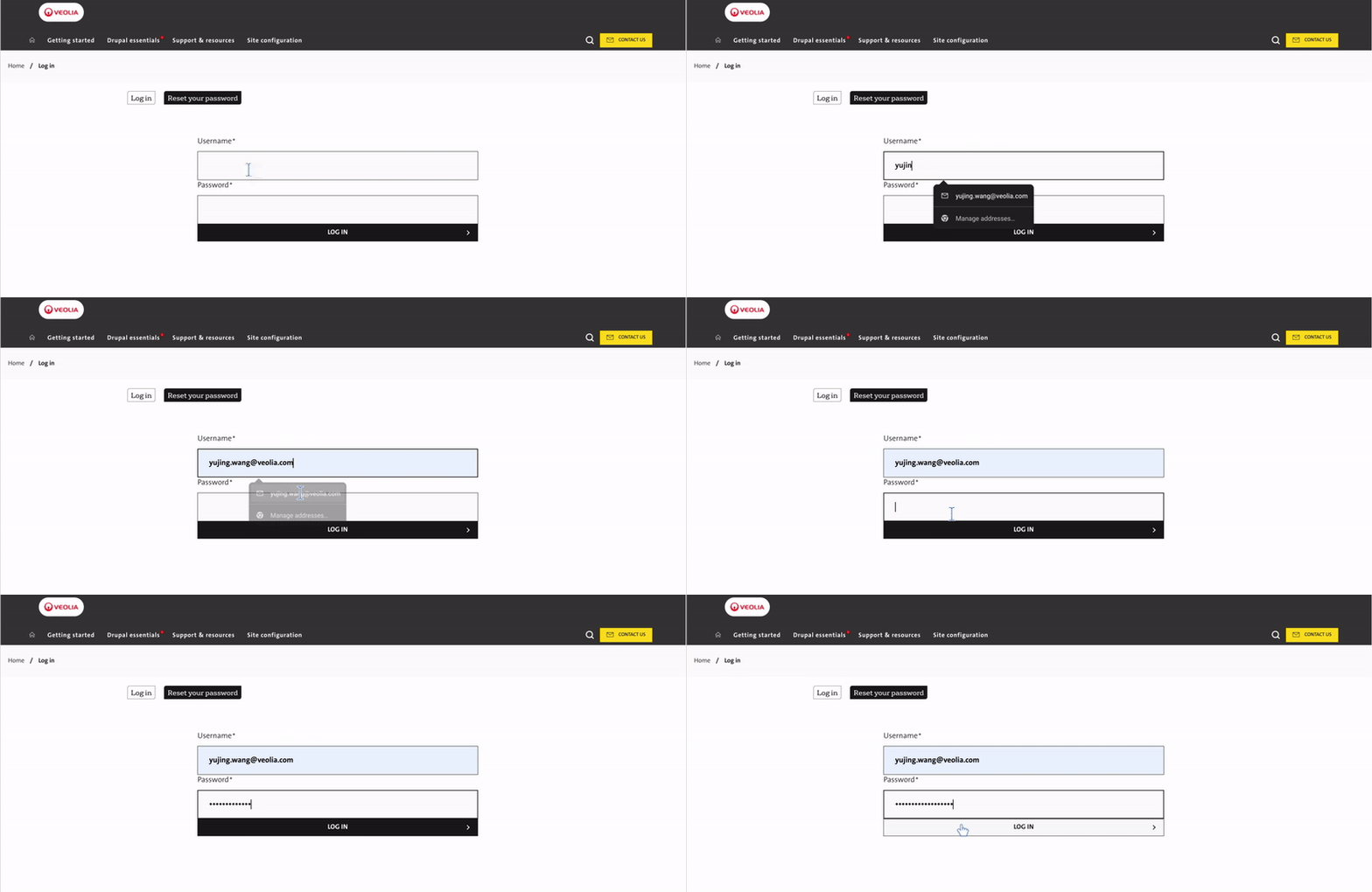
Log in to the back office
Once we approve your request, the credentials will be shared with you. You will then be able to use them to log in to the back office. Additionally, you can change the password as needed after logging in.
User account management policy
- After 6 months of inactivity: Your account will be blocked.
- After 10 months of inactivity (i.e. 4 months after your account has been blocked): Your account will be deleted.
To avoid any interruption of service, we strongly recommend that you log in regularly to your site's administration interface. Reminders will be sent to you before each expiration date to enable you to renew your access.
Need an account for new comers?
We use ServiceNow to track all of your requests and questions
