

This procedure will guide you through how to regularly audit your website to identify improvements and boost overall performance.
Performing a website audit every three months is a best practice that helps keep your sites efficient, consistent, and easy to manage. This frequency aligns with how search engines crawl your pages to evaluate quality and relevance. By updating your content regularly, you improve each page’s score and boost your site’s visibility.
Additionally, regular audits help maintain a coherent structure, remove outdated content, and ensure that your website reflects the current strategy and branding.
Step 1 | Create a Sitemap
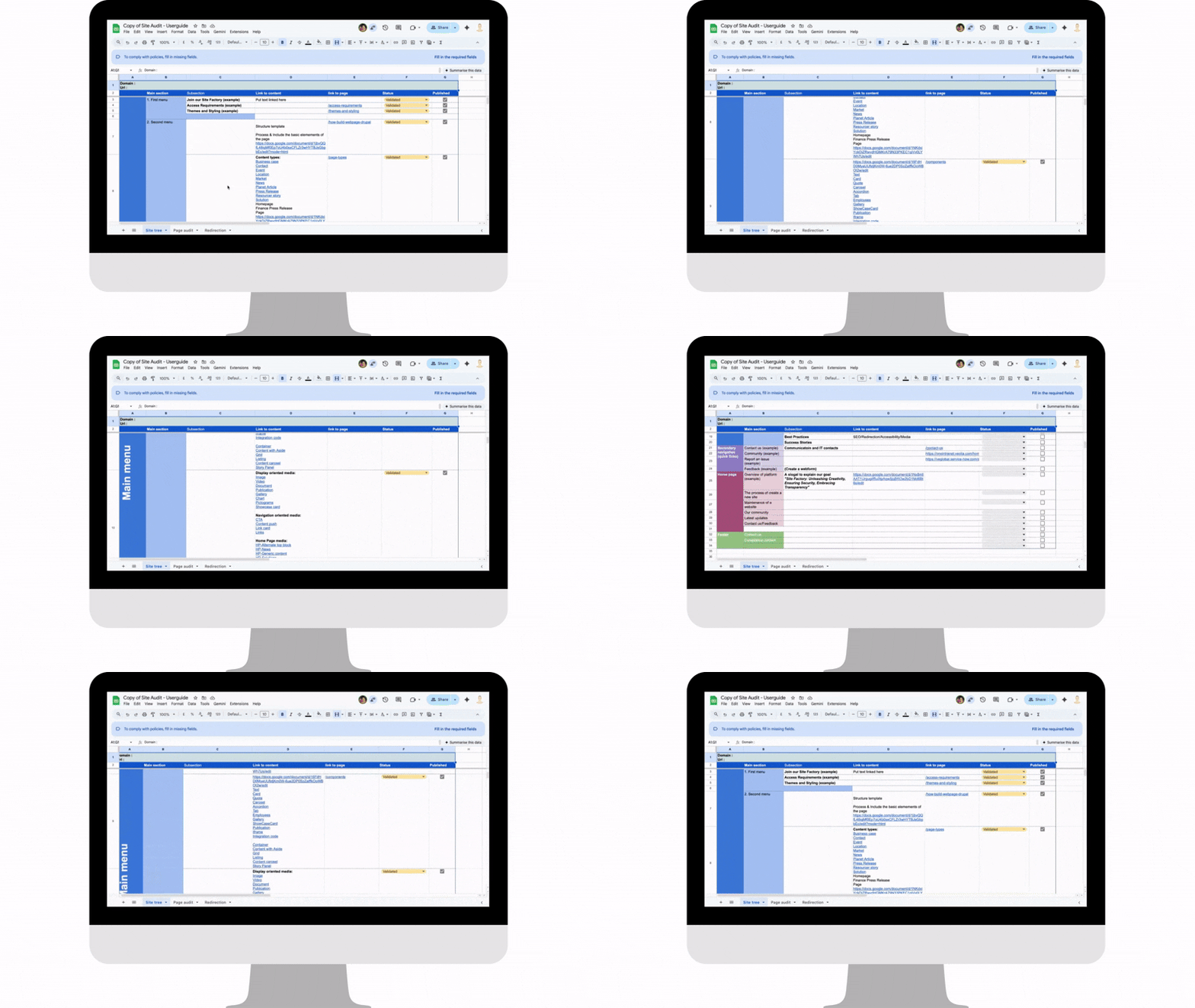
The first thing you can do, and which will be very useful, is to build your sitemap manually.
Start by listing all the pages of your website in a file, giving you a clear overview.
You can use this spreadsheet to structure your analysis and organize your pages effectively.
You can also access your existing sitemap directly.
Simply add /sitemap.xml at the end of your domain name (for example, www.website.com/sitemap.xml).
This is the quickest way to check if a sitemap already exists and to access it instantly. Find an example here.
Step 2 | Remove Obsolete Content
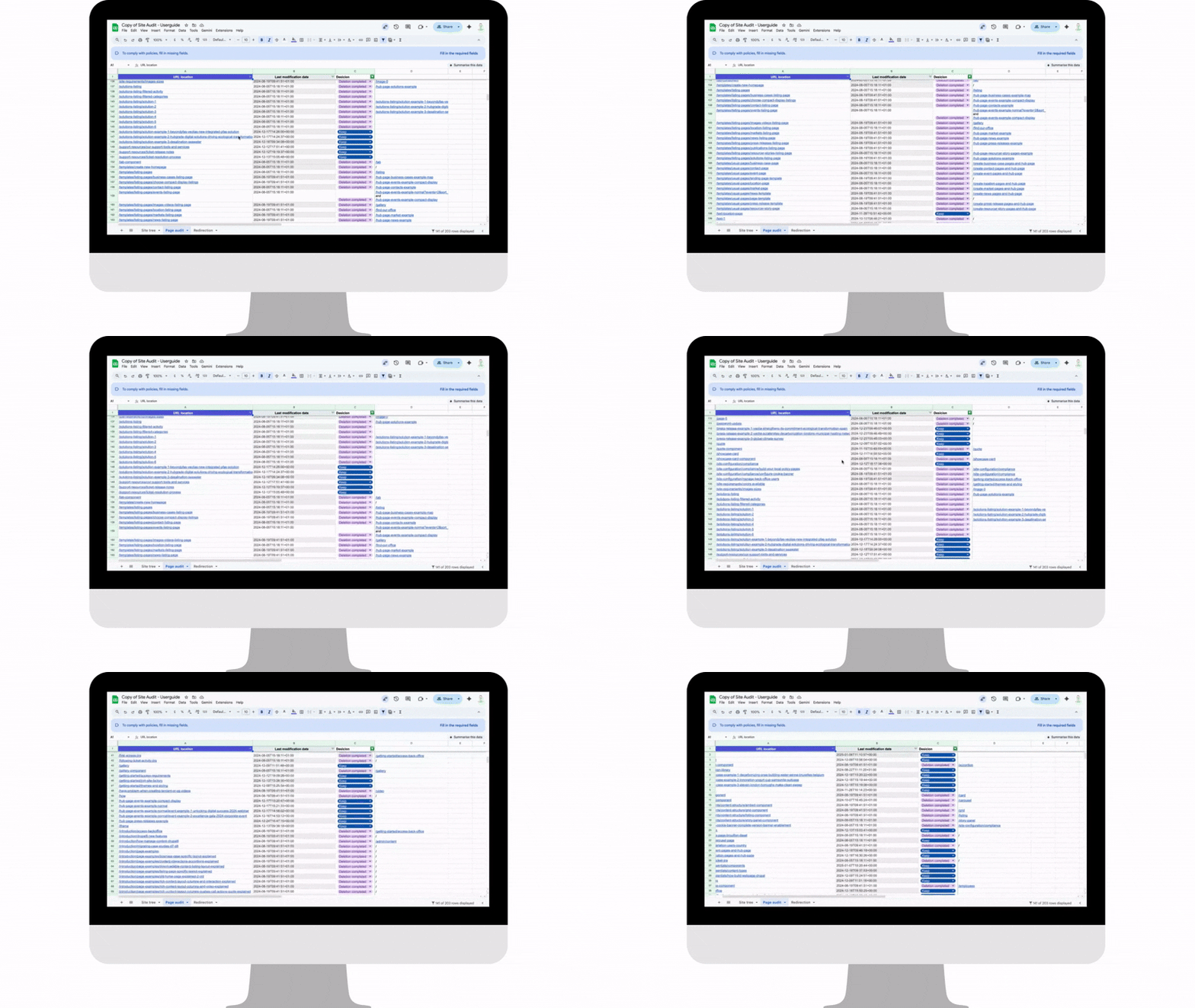
Many pages created before 2020 are likely outdated or no longer reflect the Group’s current identity.
Focus On:
- Old pages (before 2020) – e.g., One Veolia, standardized templates, GreenUp 2024–2027 strategy
- Duplicate content – pages that repeat the same information
- Unused content – pages with very low traffic or engagement
Impact: On average, 30% of pages can be deleted or consolidated, making your site cleaner, faster, and easier to navigate.
Step 3 | Restructure your navigation
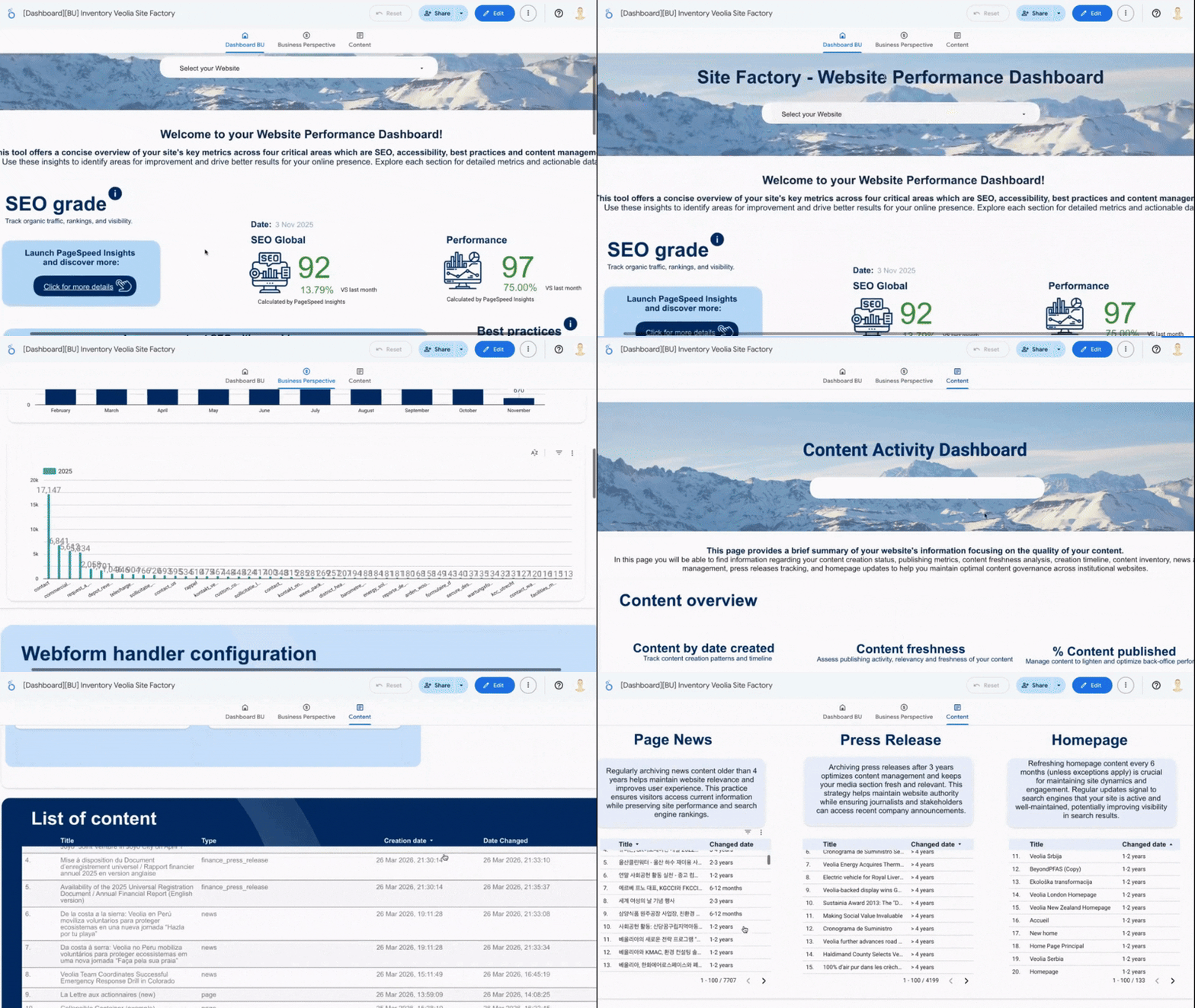
Start here: Consult your dashboard to review page metrics.
Identify pages with low traffic or poor performance, and focus your efforts where they will have the greatest impact.
Step 4 | Update & create content
Find the tutorial to learn how to use templates here
Create and update your pages using existing templates to ensure consistent, well-structured content aligned with One Veolia standards.
Better UX
Easier to navigate, no overload
Faster site
Lighter and more efficient
Higher SEO
Improved search rankings
Lower footprint
Less storage, greener site
Full control
Streamlined back-office management
Regular audits
Keep content relevant and consistent