Release notes v150 🚀
May 2026
Improvements 💪
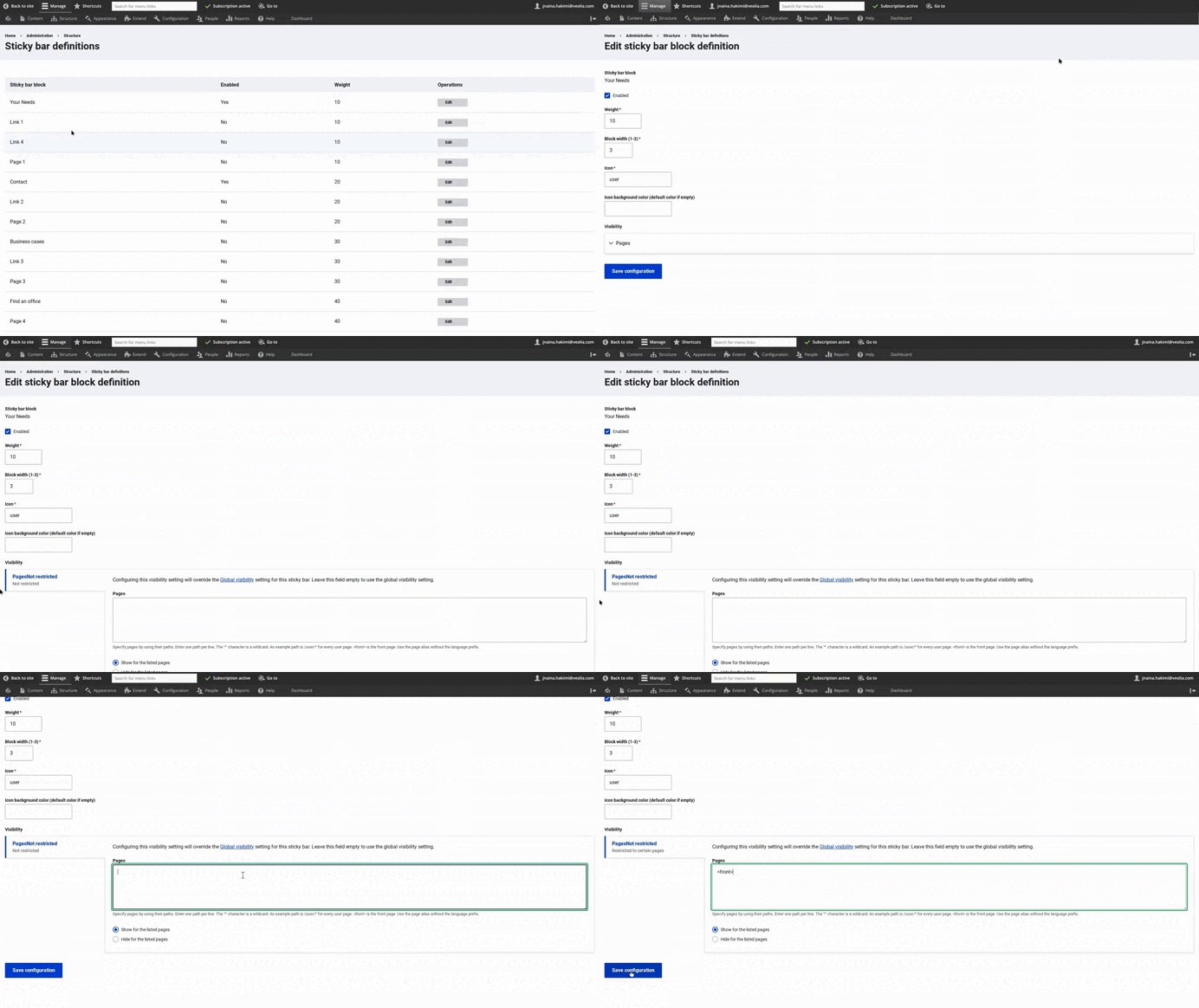
More precise control over Sticky Bars
Webmasters can now configure visibility rules for each Sticky Bar individually.
Previously, Sticky Bar visibility was managed globally. This meant that all enabled Sticky Bars followed the same page visibility rules.
Sticky Bars can now each have their own page visibility configuration.
For example:
- The Contact Sticky Bar can appear on the homepage.
- The Your needs Sticky Bar can appear only on a specific page.
- Other Sticky Bars can stay disabled or continue using the global configuration.
By default, each Sticky Bar still uses the global settings. However, when visibility is configured directly on an individual Sticky Bar, this local setting takes priority.
Where to configure it
Go to: Structure → Sticky Bar definitions
Then edit the Sticky Bar you want to configure.
Good to know
A help text has been added in the interface to explain the behavior:
If the field is left empty, the Sticky Bar will continue using the global visibility settings.
More details are available in the Sticky Bar guide.
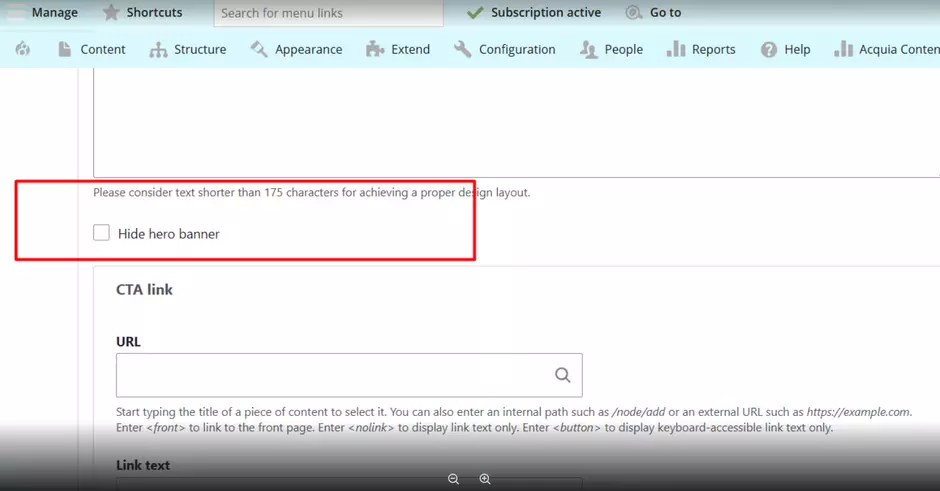
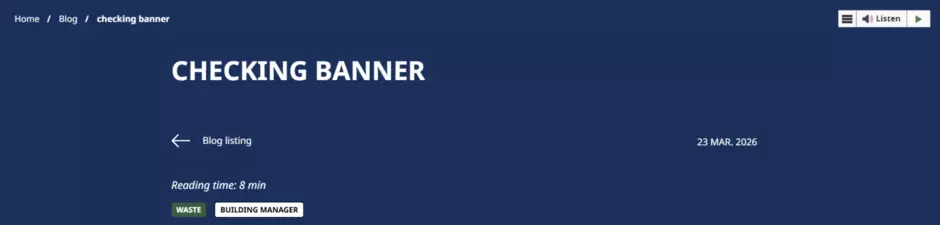
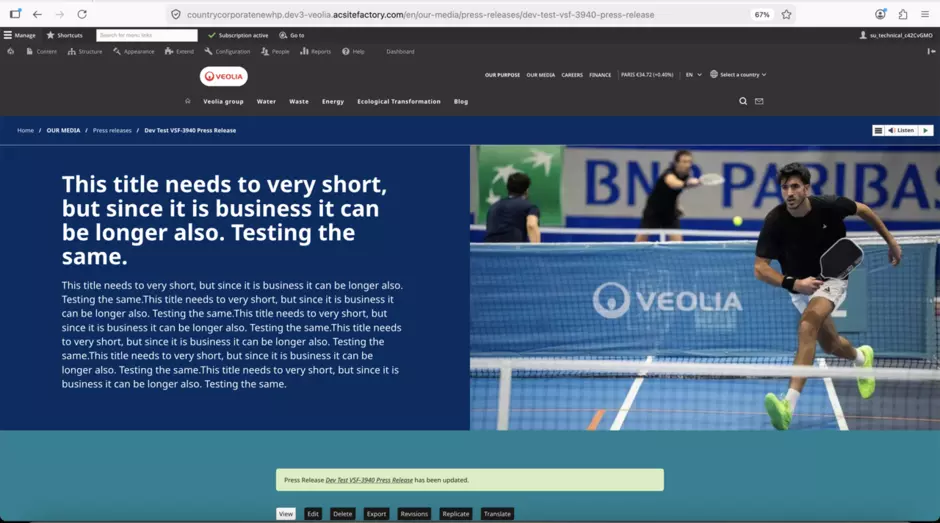
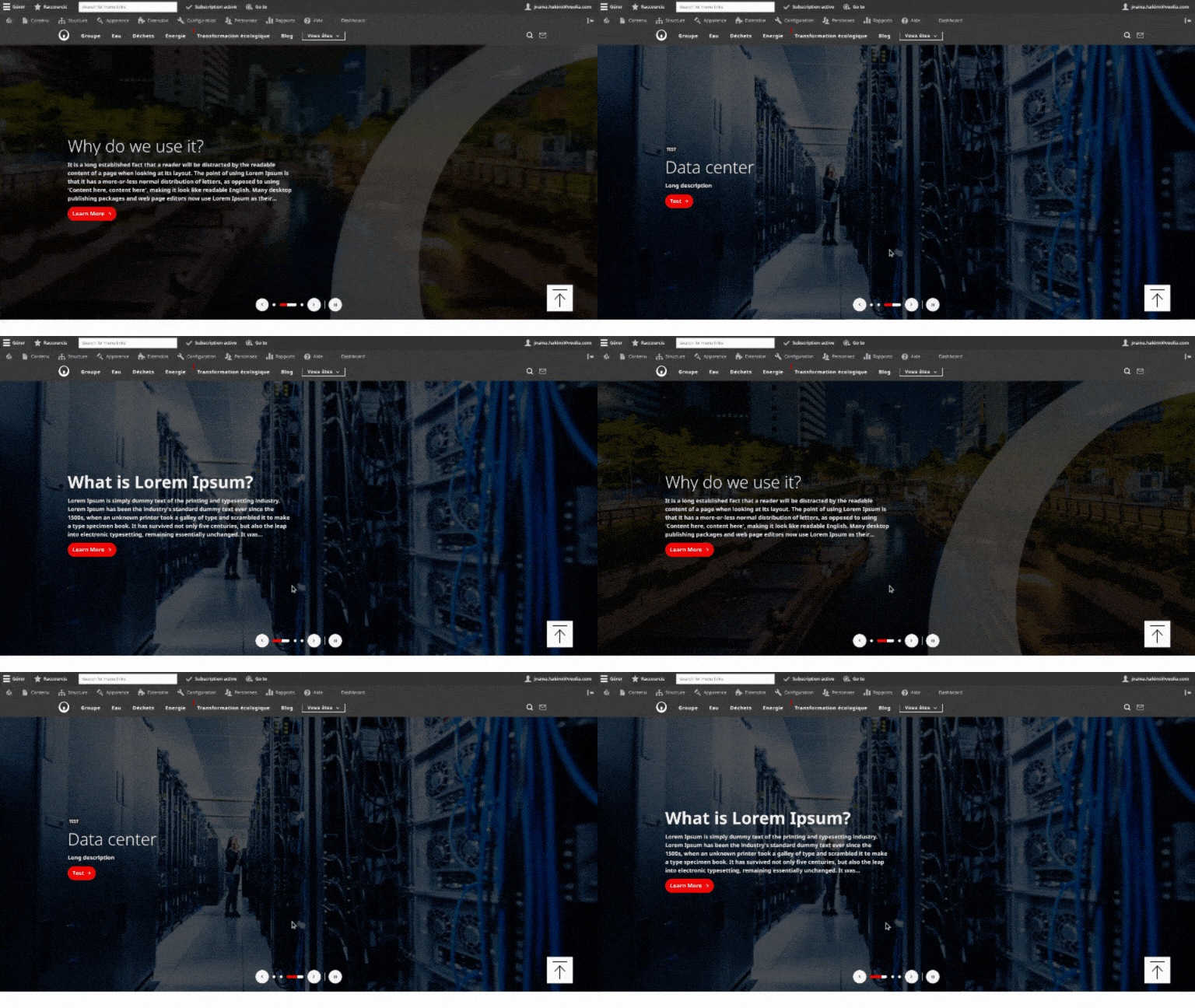
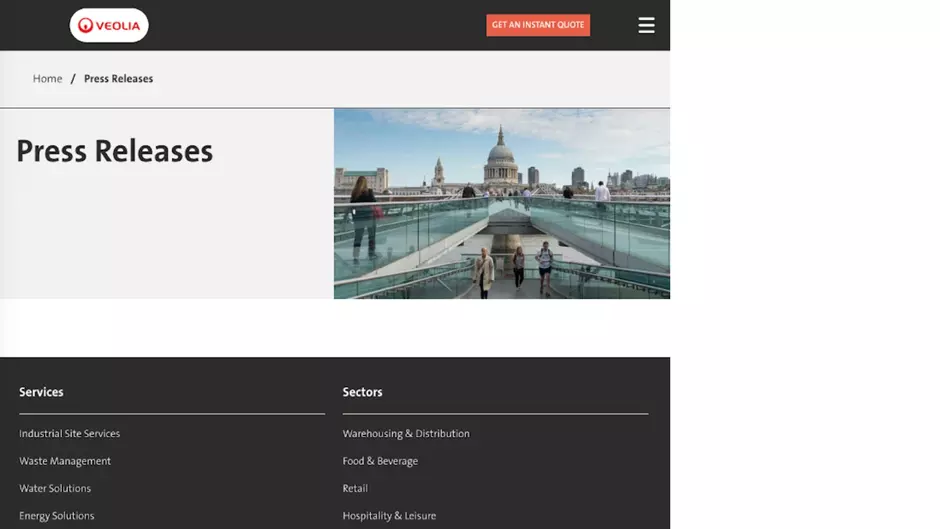
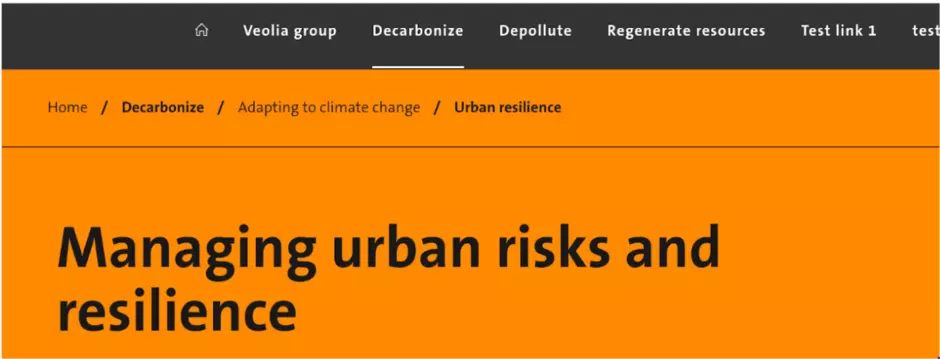
Better hero banners for long News and Press Release titles
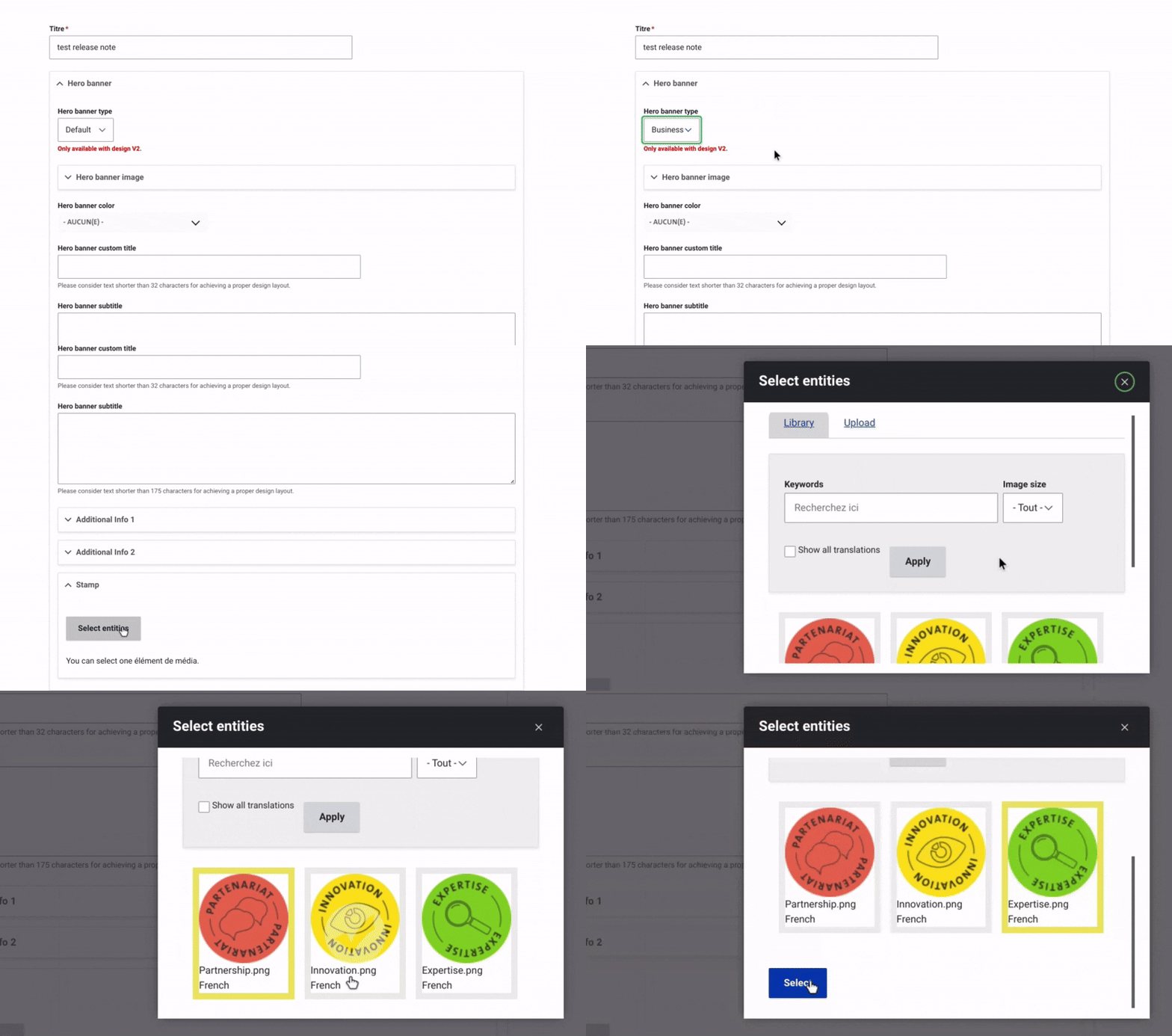
The Business hero banner style is now available for:
This is especially useful for editorial content with long titles.
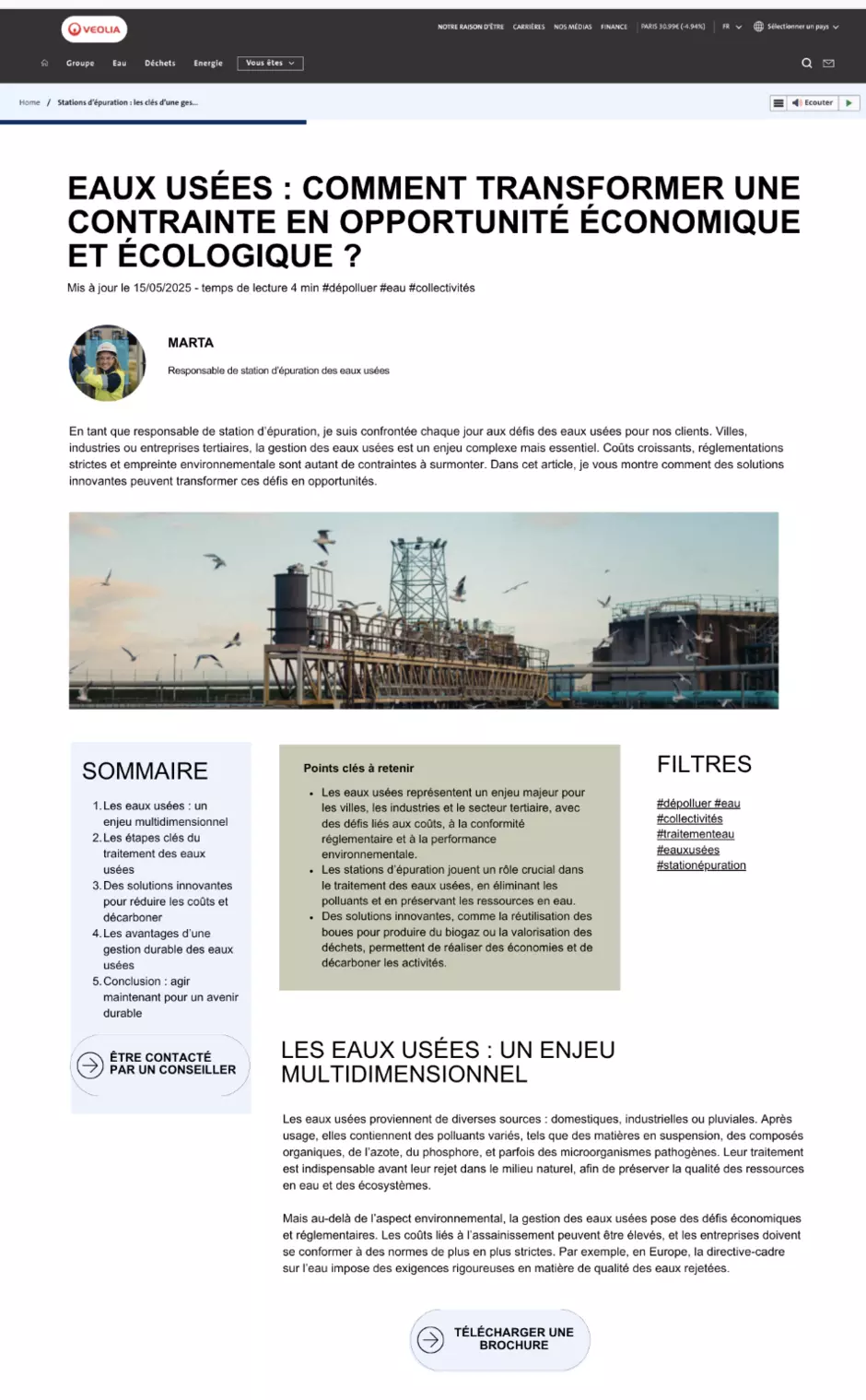
Until now, this hero banner style was only available on Page content. It can now also be used on News and Press Releases to give more space to the title and reduce the visual weight of the image.
Why this is useful
Some News and Press Release titles are too long to display comfortably in the standard hero layout.
The Business hero banner style helps by:
- Giving more room to the title.
- Making editorial messages easier to read.
- Reducing the importance of the image when the text is the priority.
- Improving the display of institutional or corporate content.
Where to find it
When editing a News or Press Release, use the Hero banner type field and select Business.
Note
The additional fields available on Page content with the Business hero banner, such as Additional Info 1, Additional Info 2, or Stamp, are not available for News and Press Releases.
Block visibility settings are preserved during configuration imports
Webmasters can now update the Pages visibility settings for specific blocks without losing their changes after a configuration import or release deployment.
This is useful when visibility rules have been configured for campaign pages, landing pages, lead generation pages, or any other page requiring a specific navigation setup.
This update applies to the following blocks:
- Secondary navigation
- Top header menu
- Veolia Site Core Language block
- Region switcher
- Main navigation
- Search exposed form
- Call to action and service buttons block
What changed
Previously, page paths and visibility options configured manually under Visibility → Pages could be overwritten during a configuration import.
With this update, the saved visibility values remain unchanged after configuration imports and deployments.
What this means for webmasters
You can configure page-specific visibility rules with more confidence, knowing that the saved settings will not be automatically reset during future releases.
Good to know
This improvement specifically concerns the preservation of the block configuration during imports.
Navigation blocks can now be hidden on specific pages
Navigation and interface blocks can now be hidden or displayed correctly on selected pages according to their configured visibility rules.
This is particularly useful for campaign pages, landing pages, and lead generation pages where visitors should remain focused on completing a specific action without navigating to other areas of the website.
For example, the top header, main navigation, and secondary navigation can be hidden on a lead generation page while the hero banner and page content remain visible.
What changed
Previously, the visibility settings could remain correctly saved in the back office, but some blocks could still appear on the frontend.
This has now been fixed, and the frontend correctly applies the visibility rules configured for the page.
Where to configure it
Go to: Structure → Block layout
Find the block you want to update, click Configure, then open Visibility → Pages and add the relevant page paths.
What this means for webmasters
You can create pages with reduced or fully hidden navigation and be confident that the selected blocks will not be displayed to visitors on those pages.
Bug Fixes 🩹
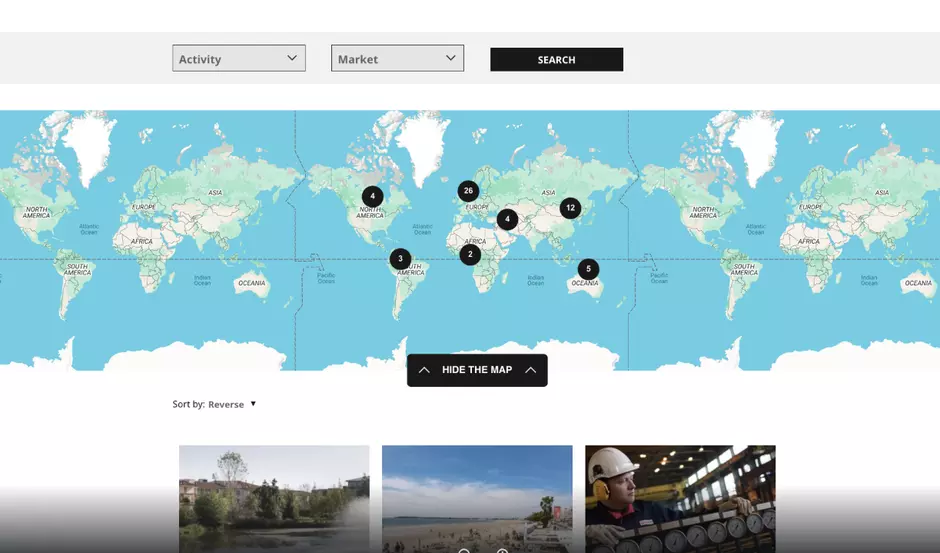
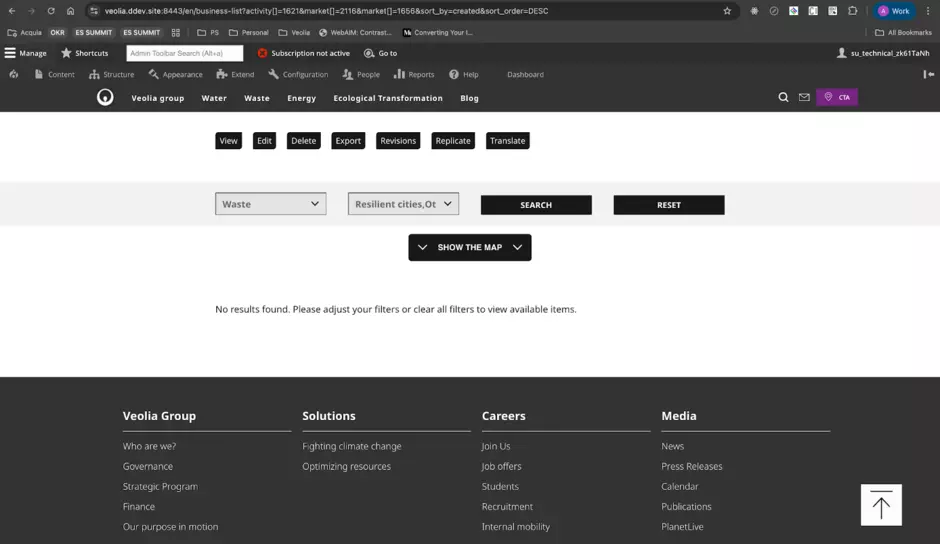
Business Case Listing maps now open in the right place
The Business Case Listing map now correctly uses the default position configured by webmasters.
Previously, when latitude, longitude, and zoom level values were added in the component settings, the map did not always apply them when the page loaded.
This has now been fixed.
What this means for webmasters
When you configure a Business Case Listing component, the map will now correctly use the defined:
- Latitude
- Longitude
- Zoom level
This gives you better control over the first map view displayed to visitors.
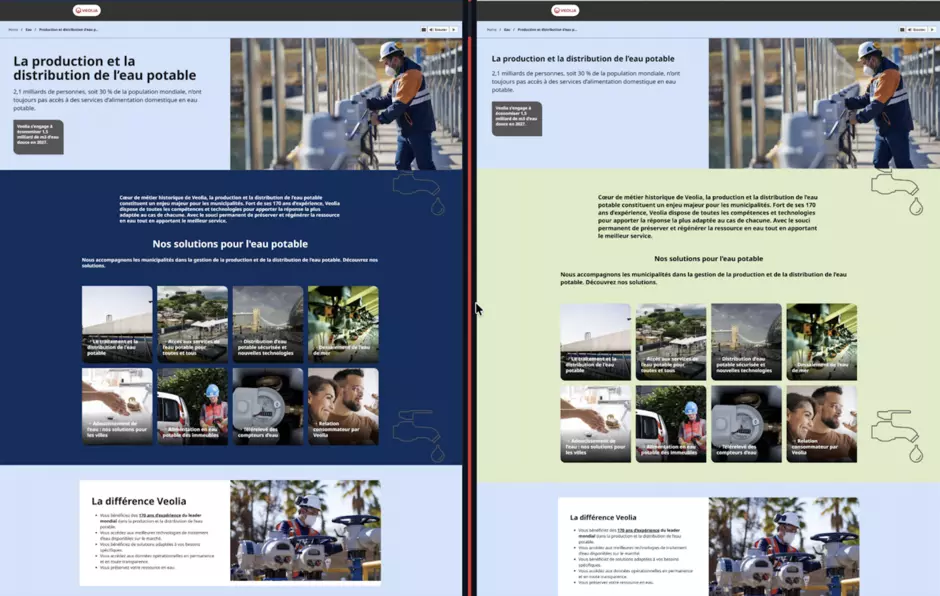
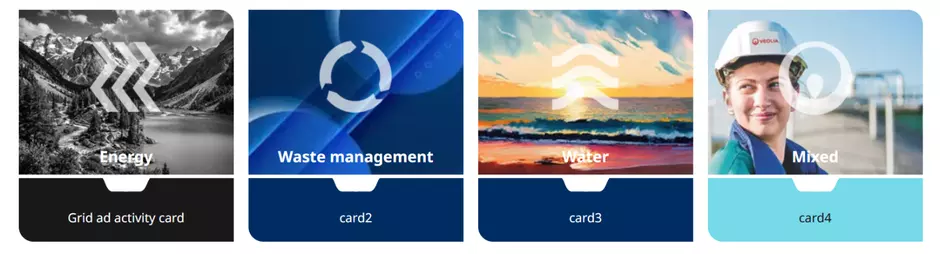
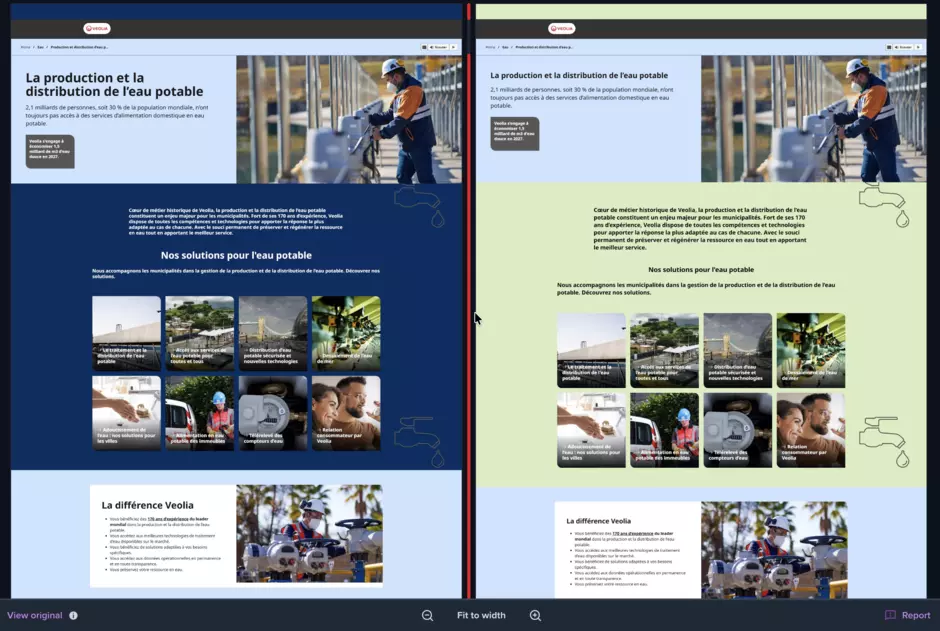
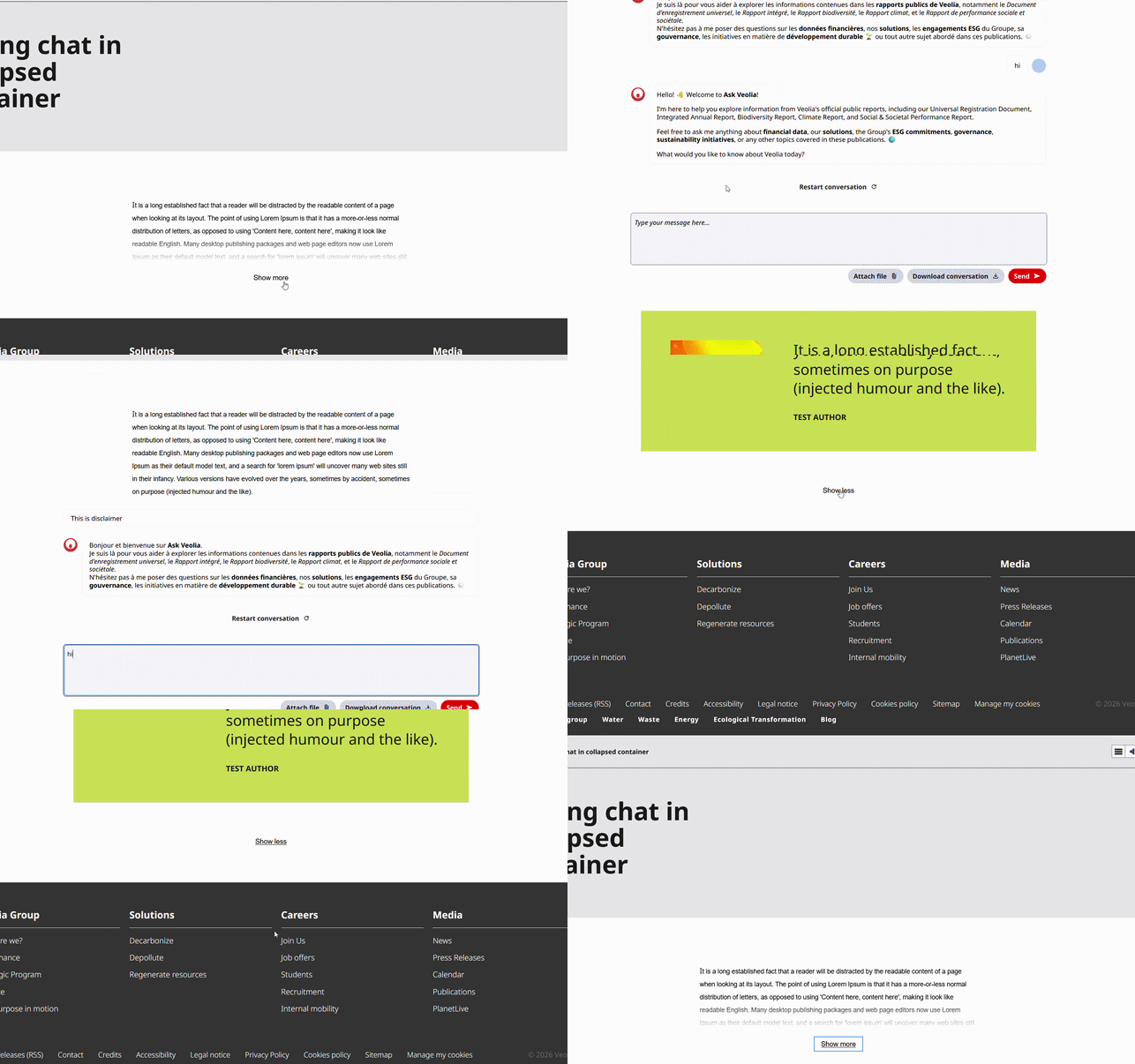
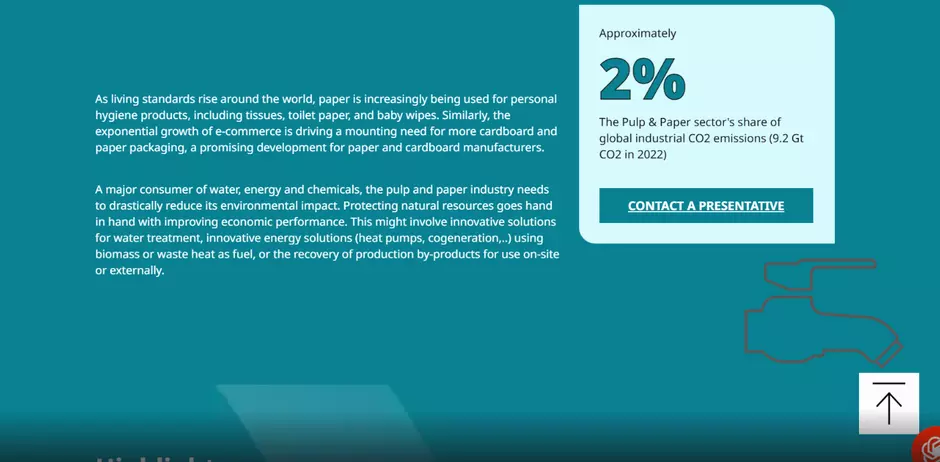
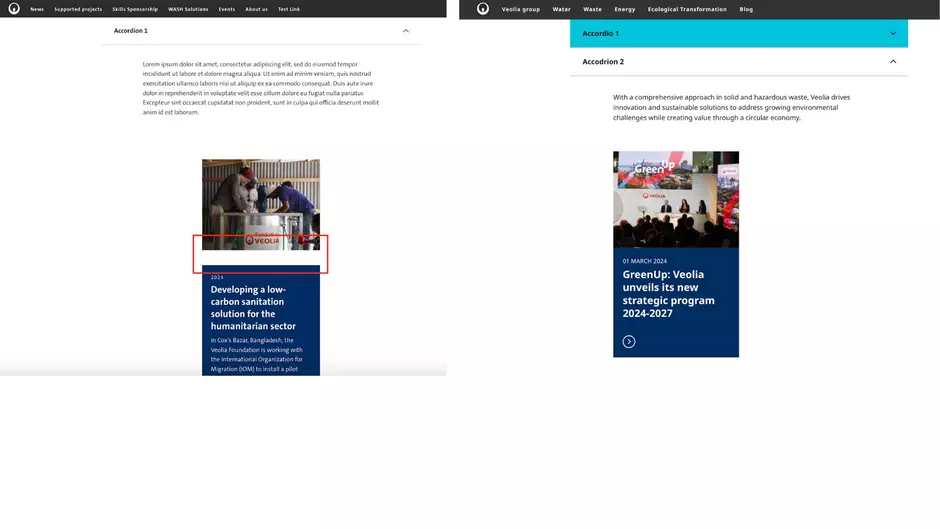
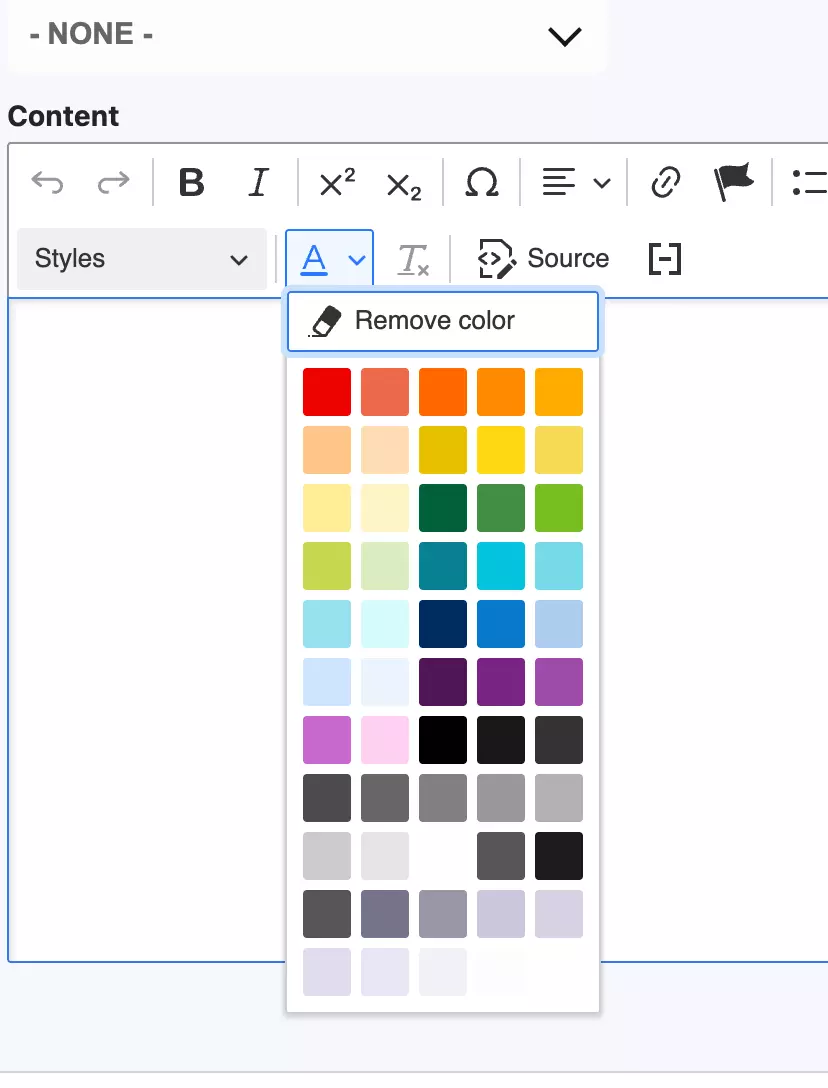
Background pictograms now display correctly
An issue was reported where the pictogram used in the new Background feature was not visible on some pages.
The pictogram was present, but in some cases it appeared behind the background layer instead of being displayed properly.
This was especially visible on pages using the chat component.
This has now been fixed.
What this means for webmasters
Background pictograms should now display correctly, including on pages where the chat component is enabled.
The fix has been tested on desktop, mobile, and tablet views.
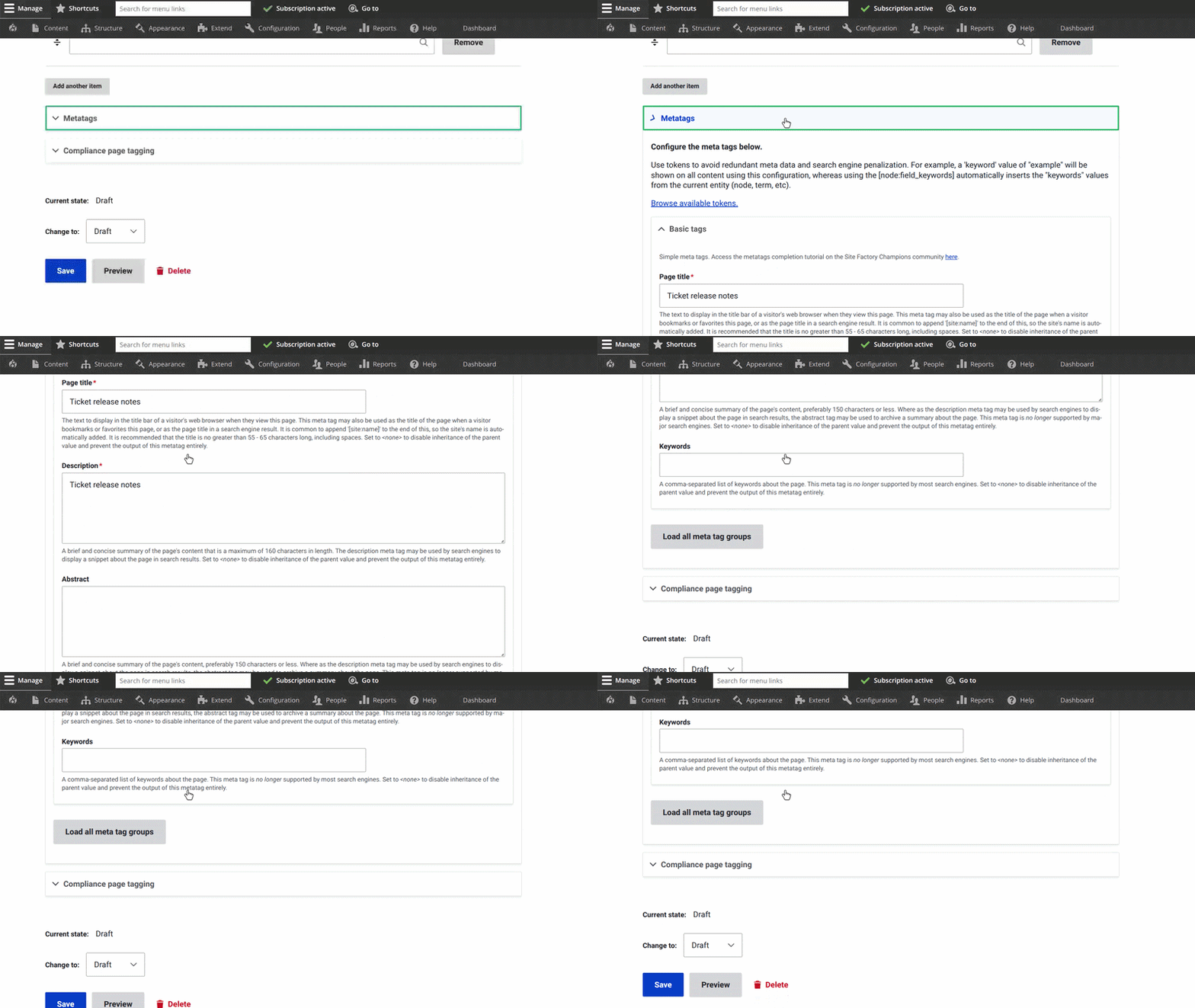
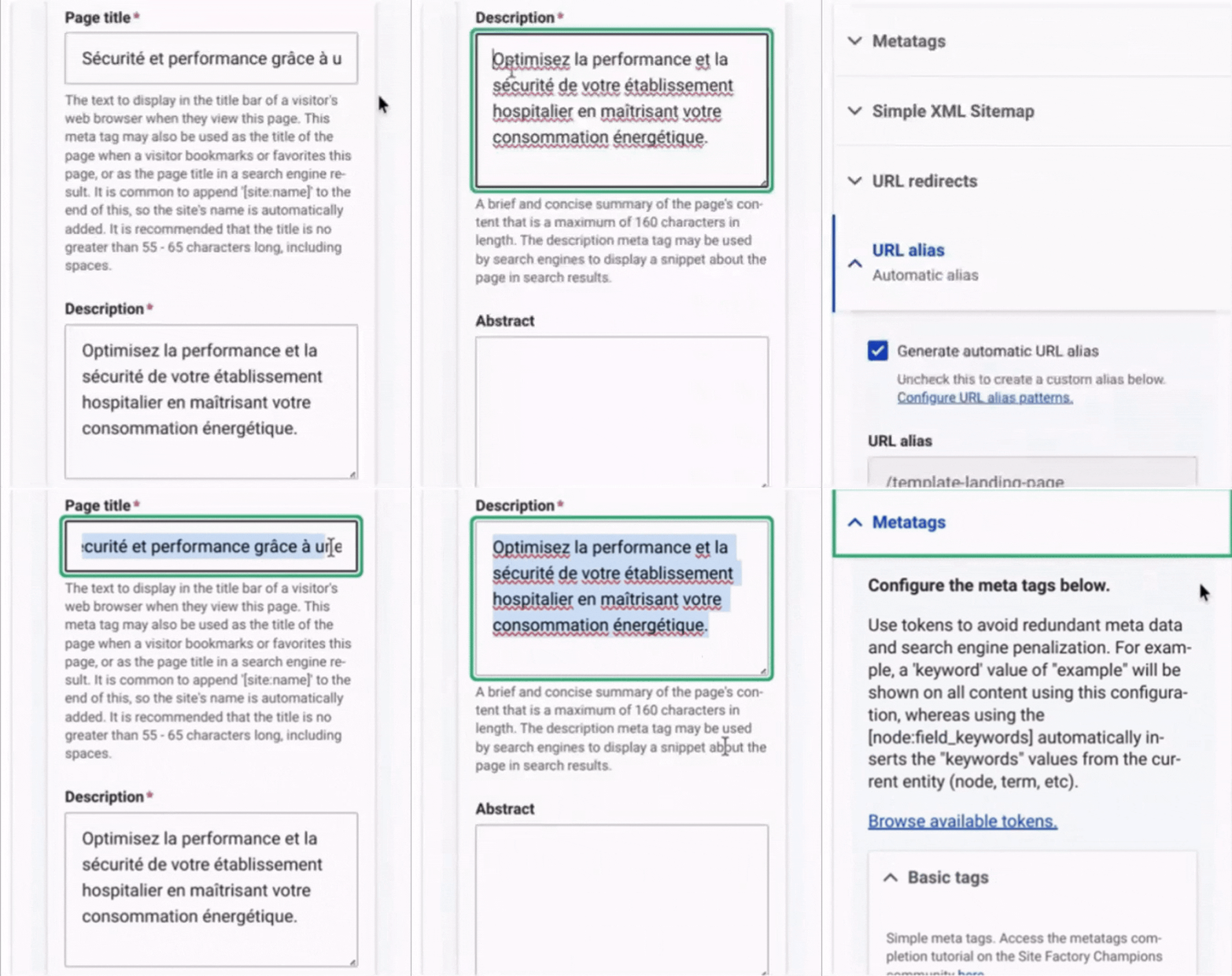
Clearer validation when required metatag fields are missing
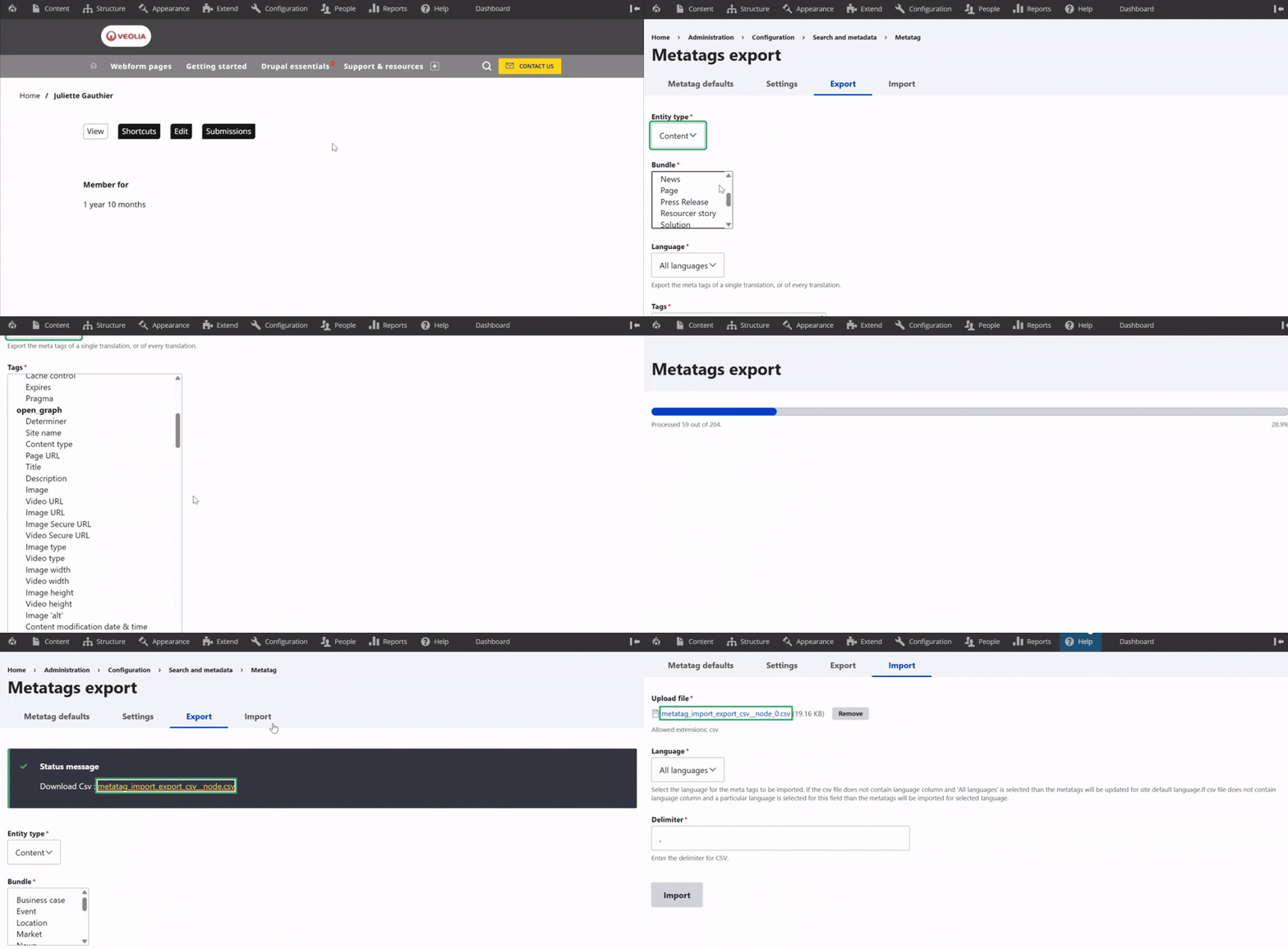
Saving content is now clearer when required metatag fields are missing.
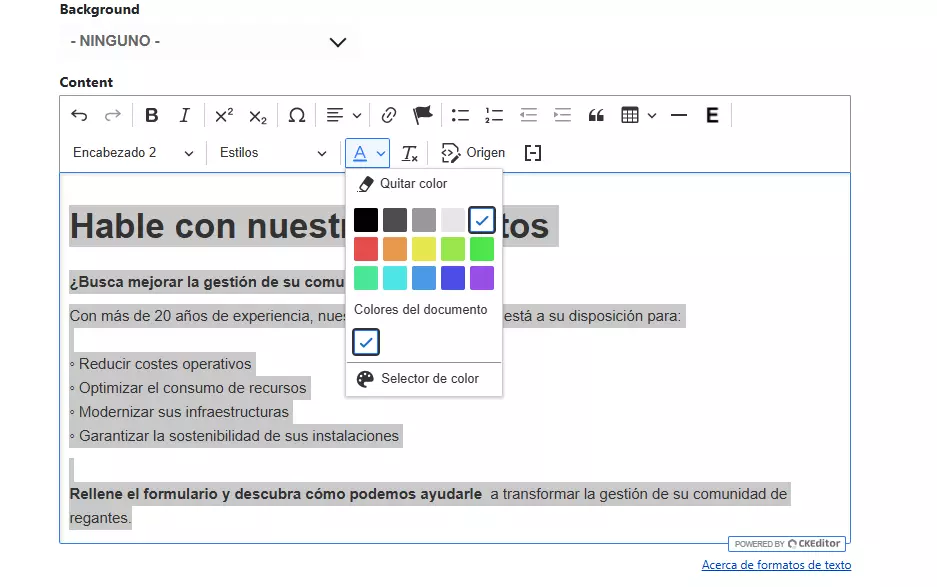
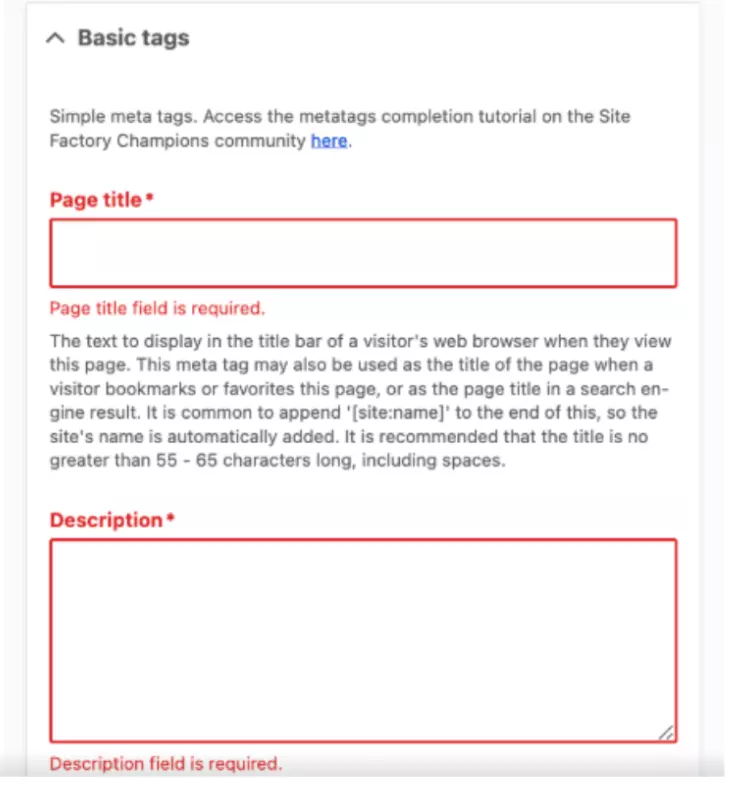
Previously, if a required metatag field such as Description was empty inside a collapsed Metatags section, the page could fail to save without clearly showing where the problem was.
The issue mainly affected required textarea fields.
The collapsed Metatags section now automatically opens when a required field inside it needs attention.
What this means for webmasters
When a required metatag field is empty:
- The Metatags section automatically opens.
- The invalid field is visible.
- The browser validation message appears correctly.
Existing behavior for fields such as Page Title remains unchanged.
This should make content saving easier to understand and reduce time spent looking for hidden validation errors.
New site basic settings can be saved correctly
A previous issue related to broken system.site configuration on new sites has been checked and validated.
Testing confirmed that basic site settings can now be updated and saved successfully on newly created sites.
What this means for webmasters
Admins can edit and save basic site settings on new sites without encountering the previous configuration issue.
Technical maintenance 🔧
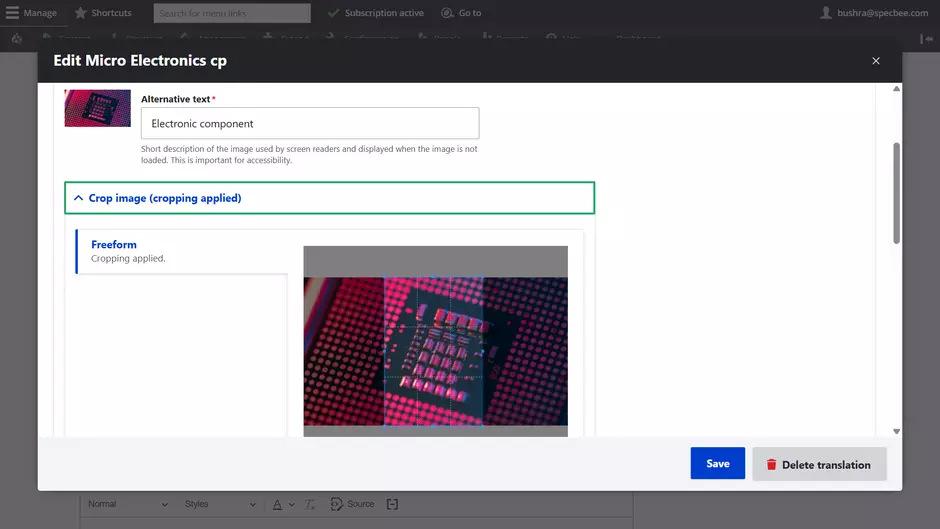
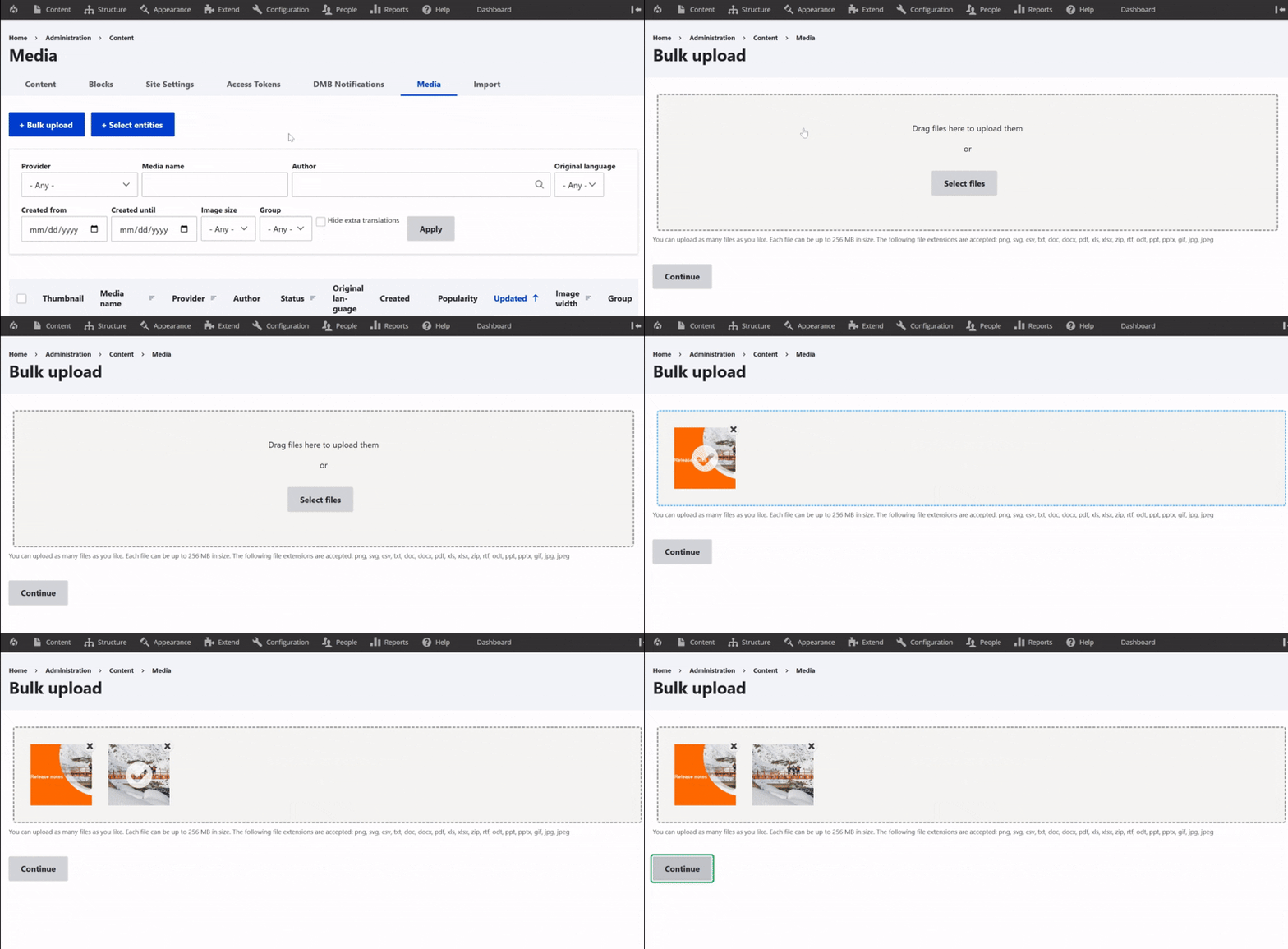
Image upload and cropping remain stable after WebP plugin cleanup
The obsolete veolia_webp_convert plugin has been removed from the codebase because it is no longer needed after previous image handling improvements.
The cleanup was tested to make sure image upload and cropping features continue to work correctly.
What this means for webmasters
There is no change in your editorial workflow.
You can continue to upload, crop, and save images as usual.