We’ve prepared seven page templates designed to simplify creation and integration, while ensuring consistency across our websites. Feel free to use them and customize them to suit your needs.
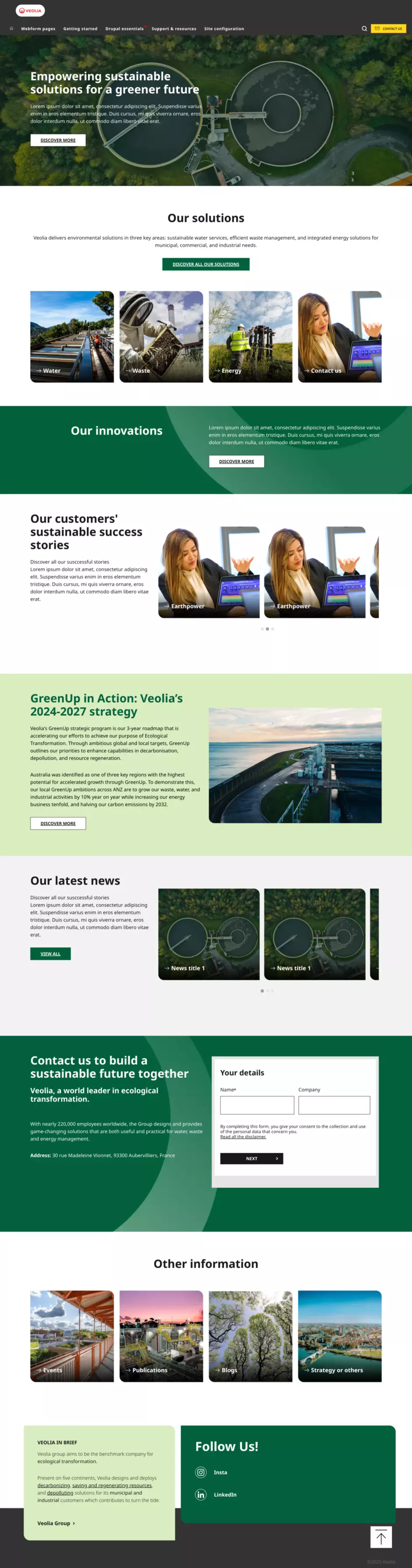
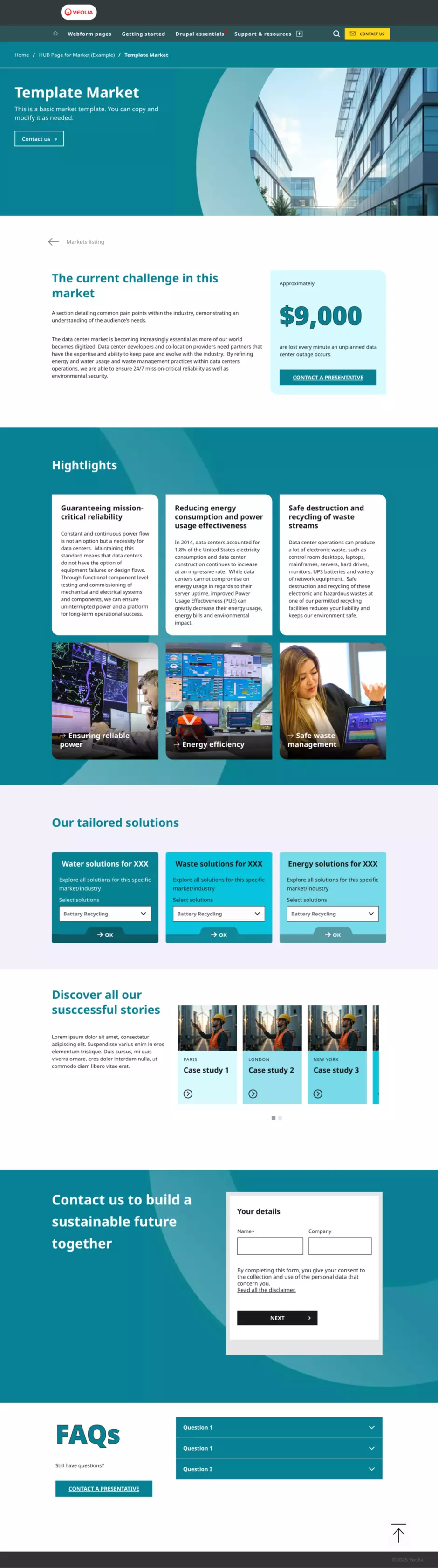
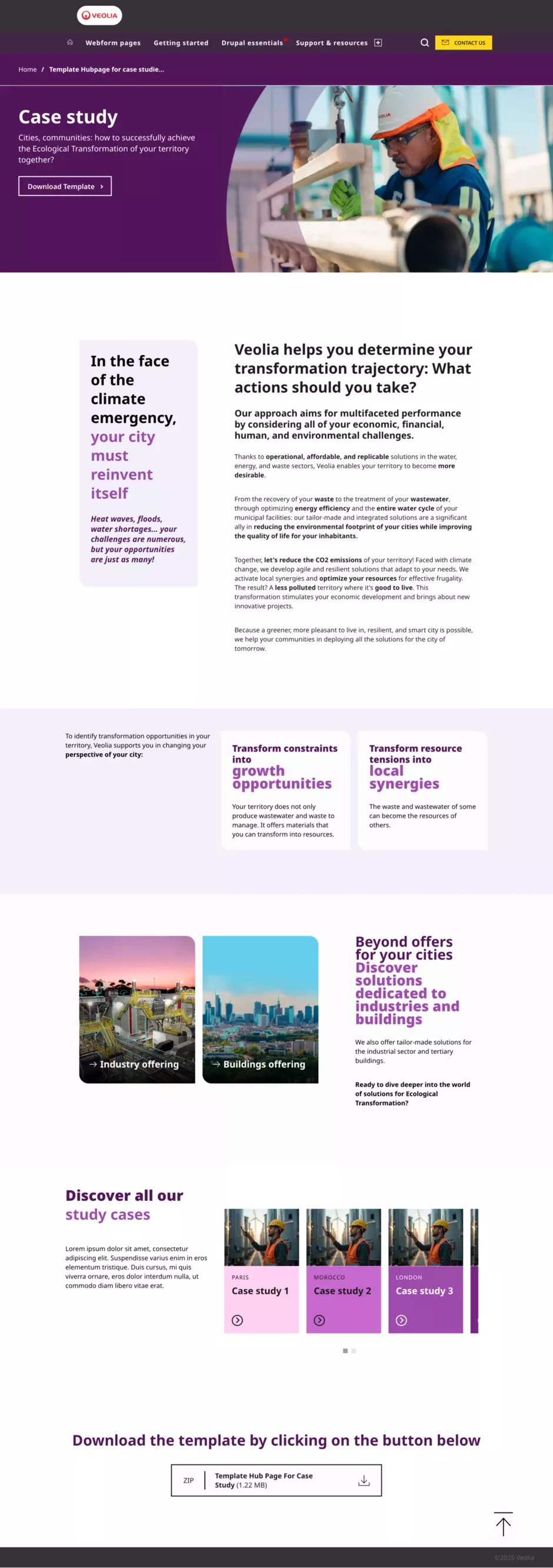
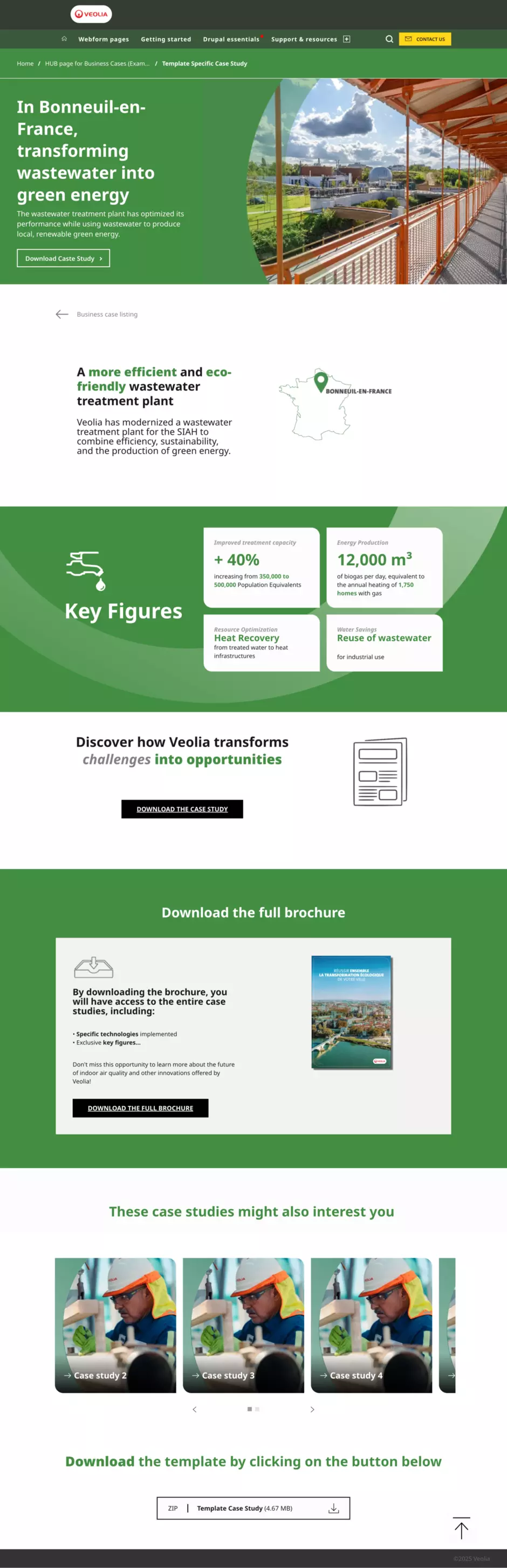
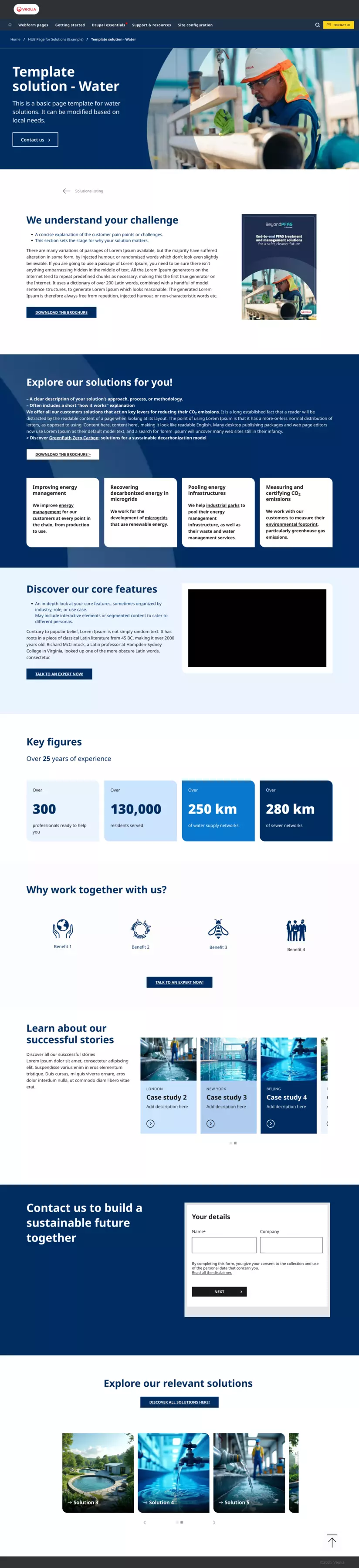
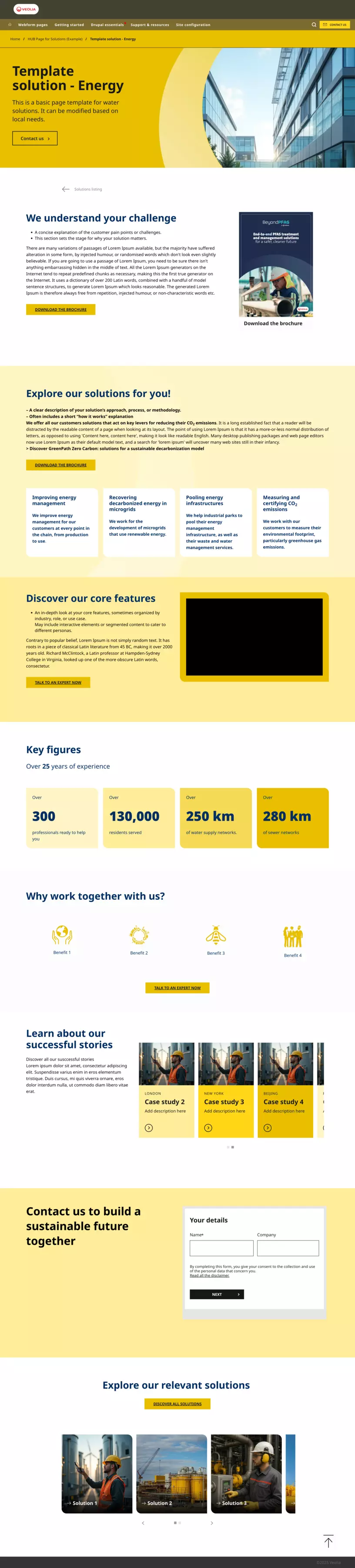
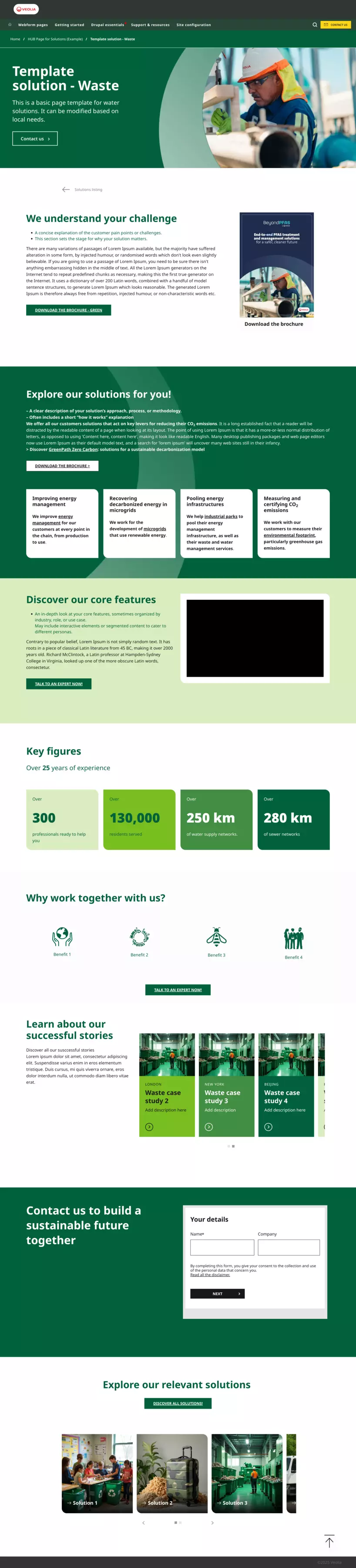
Import templates to your website
You will find all these templates in a Google Drive as a .zip file. Download it and extract it on your computer.
Then, import the files into your back office using the import feature. This userguide page will help you import and export content in Drupal and easily create new pages.
Once the templates are successfully imported, you can start to customise components.

Access the Figma board with customizable, ready-to-use elements.
This video tutorial shows you how to replace an image in the hero banner and download it.
Explore Figma media elements that you can customize for your websites.
Start by making a copy of the Figma board, then adapt the elements as you like, following the video tutorial that visually guides you through each step.