

Preview
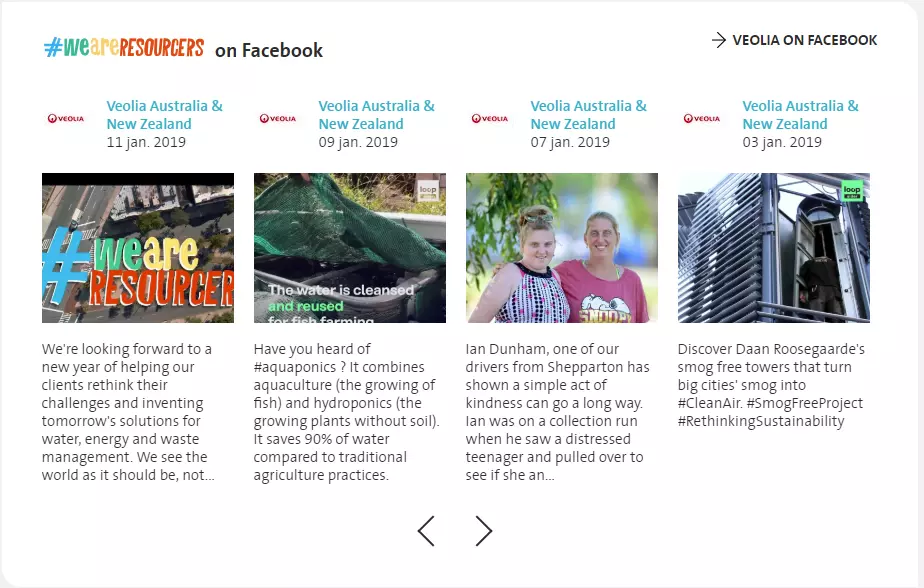
Facebook feed media
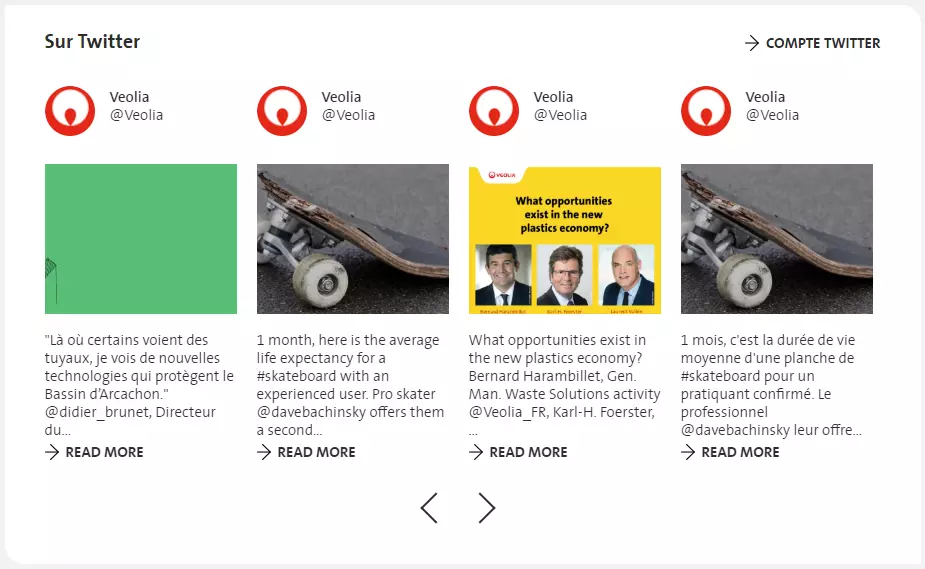
Twitter feed media
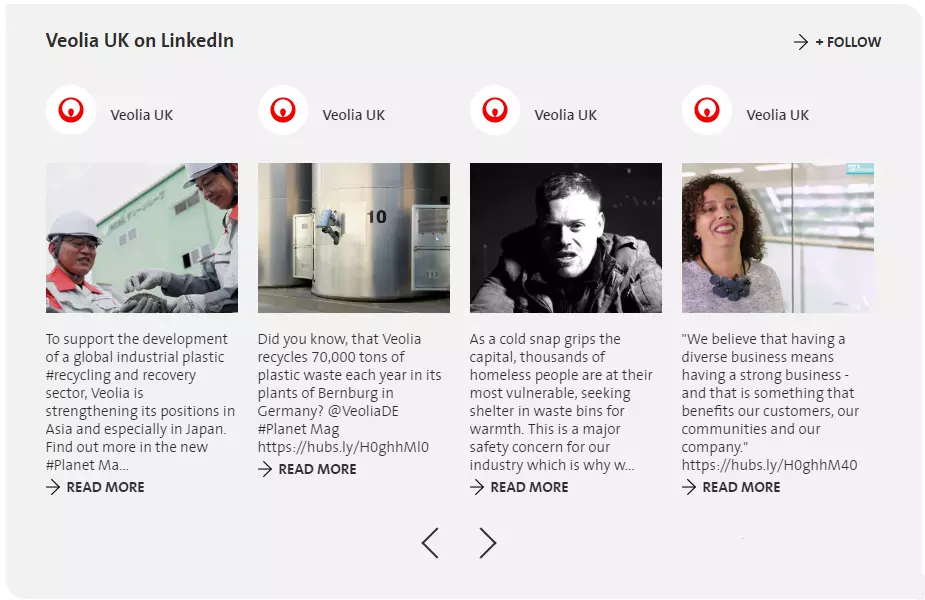
Linkedin feed media
Information architecture
The Social media paragraph allows to add LinkedIn, Facebook or Twitter feed medias
This paragraph uses 2 media types: Integration Code, or iFrame.
Design
Social media paragraph can be added to a Grid paragraph
Has 4 column in desktop version when it is added in a 1 column Grid
Has 3 column in tablet version when it is added in a 1 column Grid
Has 2 columns in desktop version when it is added in a 2 column Grid
Has 1 column in tablet version when it is added in a 2 column Grid
Has 1 column in mobile version, for any cases
How to create it
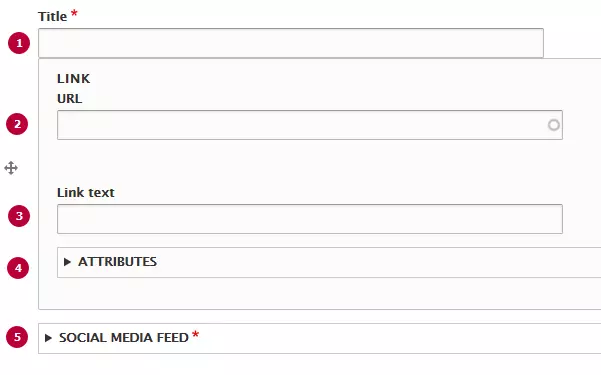
| Field | Description |
|---|---|
| 1 - Admin title | Used only in the backoffice |
| 2 - URL |
Link is displayed on top right corner in desktop/tablet versions, and displayed at the bottom in the mobile version |
| 3 - Link text | Text of the link |
| 4 - Attributes | Can be set an option to open link in a new tab |
| 5 - Social media feed | Twitter, Facebook and linkedin feed medias can be added to the Social media paragraph |