

Preview
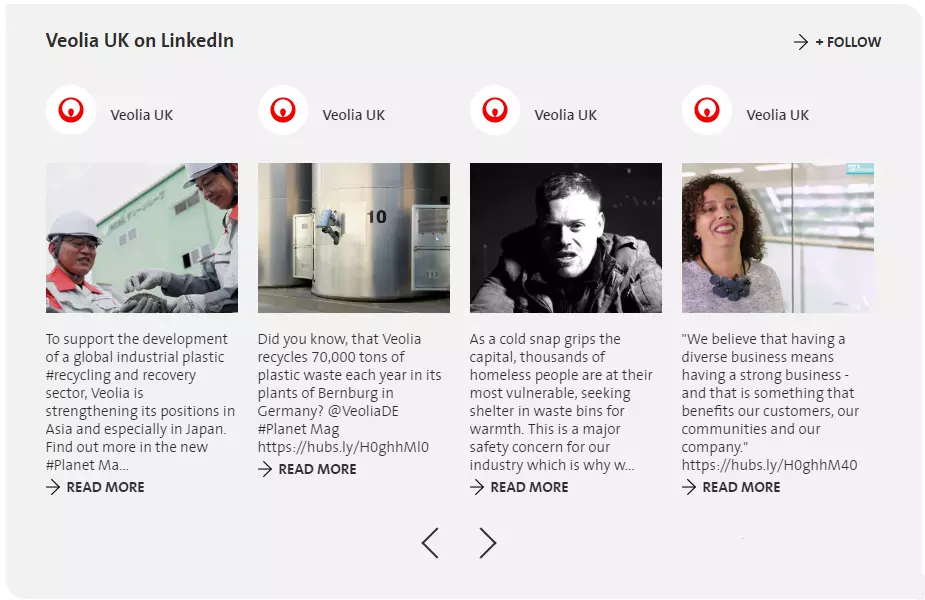
Linkedin feed preview with 4 posts per a page
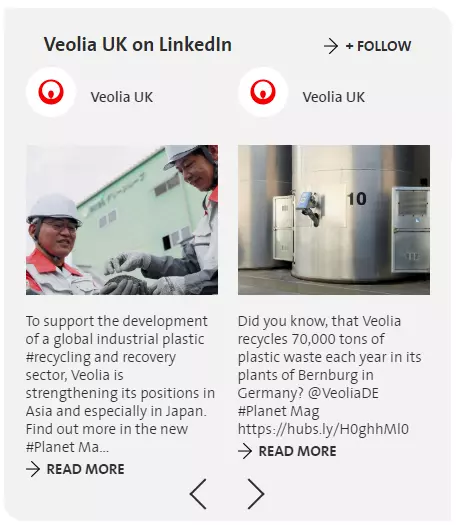
Linkedin feed preview with 2 posts per a page
Information architecture
LinkedIn feed can be added to a Socila Media paragraph
Displays posts from set linkedin accounts, ordered by date DESC
!!! After media is added, New access token should be requested. Token is temporary, and should be re-genarated in 60days.
Design
Displays 4 posts per page when added to 1-column Grid
Displays 2 posts per page when added to 2-column Grid
Requires LinkedIn Client ID and Client Secret
Several sources can be set for LinkedIn Social media
How to create it
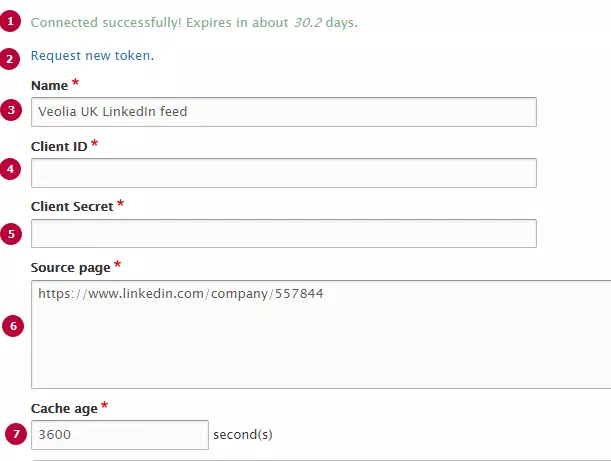
| Field | Description |
|---|---|
| 1 - Connection message |
Displays only if Access Token is generated succesfully. Displays information about token's expiration |
| 2 - Request new token |
After Linkedin feed is set, New token should be requested. Should be updated in 60 days after generation !You should be authorized as linkeding company's owner to generate valid token |
| 3 - Name | Used only in the backoffice |
| 4 - Client ID |
LinkedIn Application Client ID. Should be created with LinkedIn (see detailed instructions below) |
|
5 - Client Secret |
LinkedIn Application Client Secret. Should be created with LinkedIn (see detailed instructions below) |
| 6 - Source page |
Links to source Linkedin Company's page Only one source can be set per media |
| 7 - Cache age |
Timeout between posts updating. Set in seconds, default value is 3600s(1 hour) |