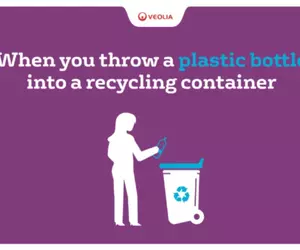
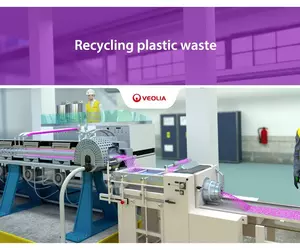
Gallery allows you to gather various elements such as images, videos, and downloadable documents into a single item. This simplifies the management and organization of content collections. When a user clicks on an element, a popup window opens, providing an enhanced viewing experience.
How to edit in the back office ?
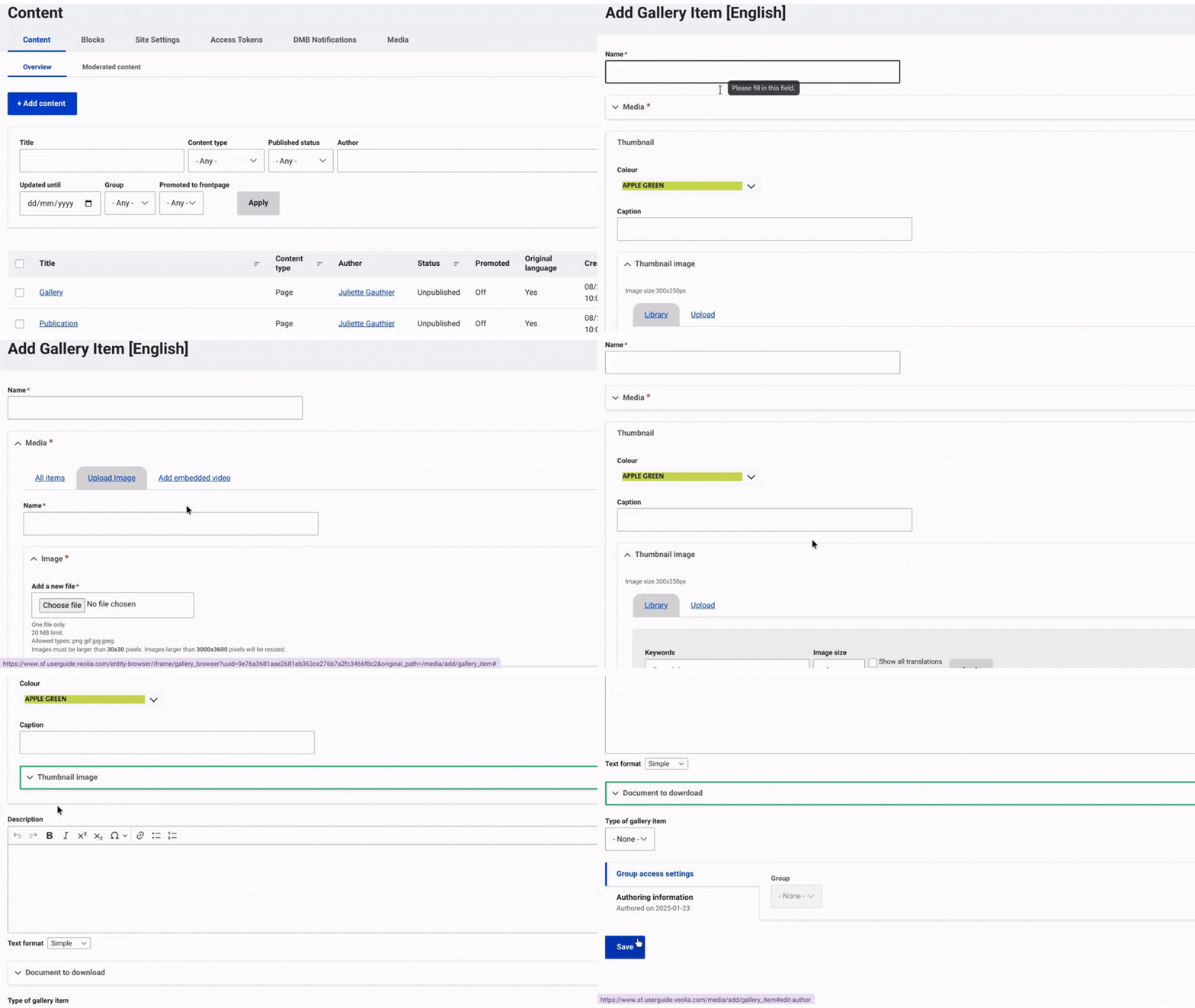
Navigate to Content and select Media from the top menu on the right. Then, click on +Select Entities and choose Gallery Item.
First, provide a name to facilitate identification. Once this done, you can choose to include a media: add an image or an embeded video.
Then, in the dropdown menu 'Thumbnail' (which corresponds to the preview of your media item), you can select a background color and add a media image.
After that, you can include a brief description if desired.
The final element you can add is a downloadable document.
Finally, click 'Save' to complete the process and finalize the publication media
Example: