Publication is commonly used across site components to provide access to related documents. One or several documents can be attached to a publication media. When clicked, the linked publication(s) will open and can be downloaded.
How to edit in the back office ?
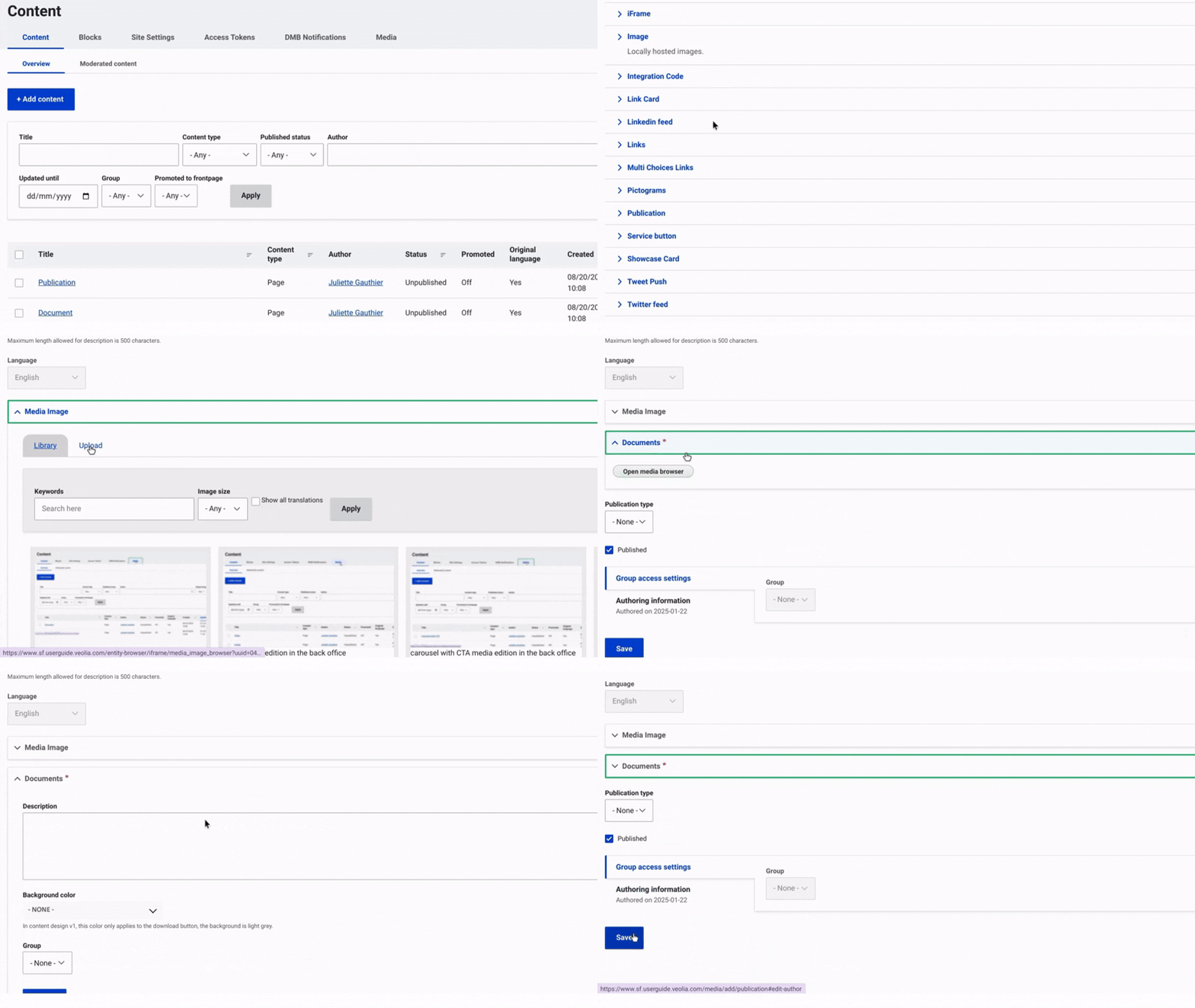
Navigate to Content and select Media from the top menu on the right. Then, click on +Select Entities and choose Publication.
Provide a name for the publication to facilitate identification and include a short description. Once this done, you can choose to include:
An Image: Select the image you wish to upload. Provide a name for the image to help with identification and select the file from your device. Additionally, upload a second image file optimized for mobile display. Ensure you click 'Select' for the media to be displayed correctly.
A Document: Choose a storage type for your document: Public if accessible to all users, or Embargoed to restrict access. Select the file from your device, provide a name for the document and include a short description. Use the dropdown menu to choose a background color. Ensure you click 'Select' for the media to display correctly.
Finally, click 'Save' to complete the process and finalize the publication media
Example: