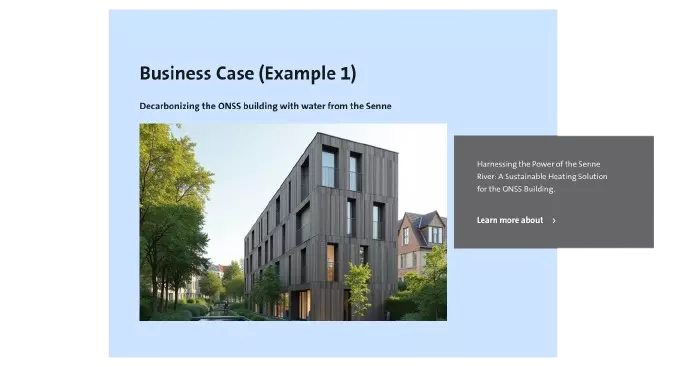
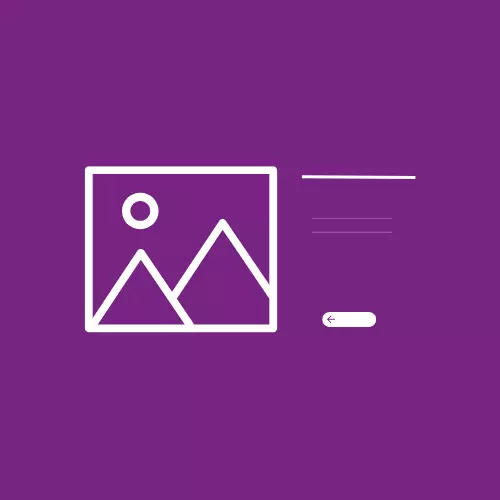
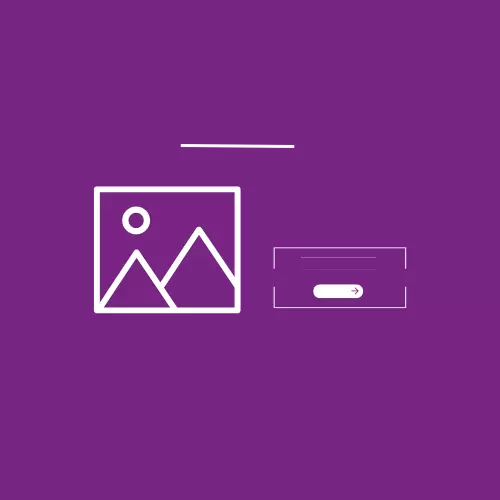
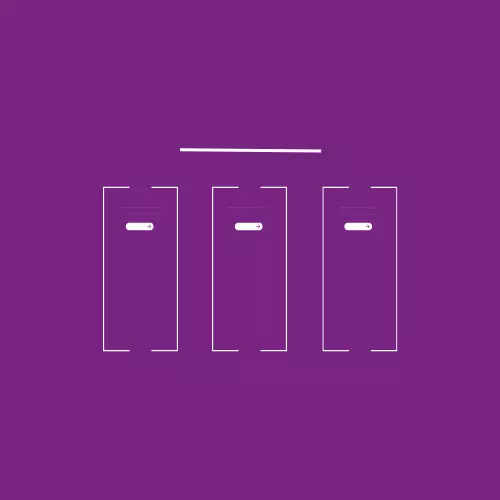
Home Page - Top block displays key messages, announcements, or featured content in sections for increased visibility.
How to edit in the back office ?
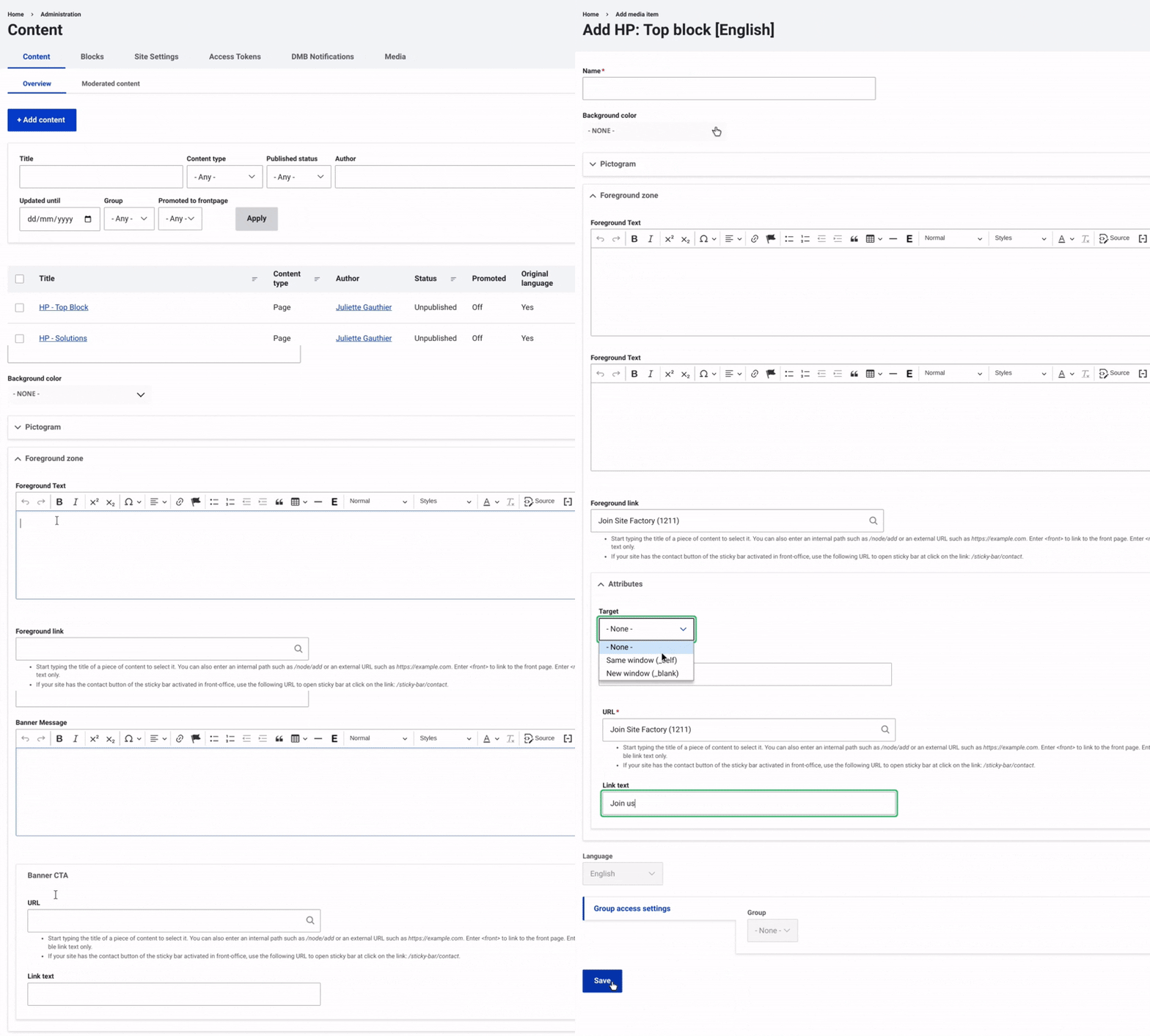
First, navigate to Content and select Media from the top menu on the right. Then, click on +Select Entities and choose HP - Top Block.
Once this is done, enter a name and select a background color using the dropdown menu. Then, you can choose a pictogram if desired.
Next, fill in the Foreground zone with a text, a link URL to direct users to the relevant page, by configuring an attribute. In the Attributes field, choose whether the button keeps users on the current page after clicking or opens the redirection page in a new window.
After that, set up the Banner alert by selecting a theme and entering a message text.
Configure the CTA by adding a URL to direct users to the relevant page and specifying the link text.
Finally, make sure to select 'Save' to complete the setup and finalize the process.