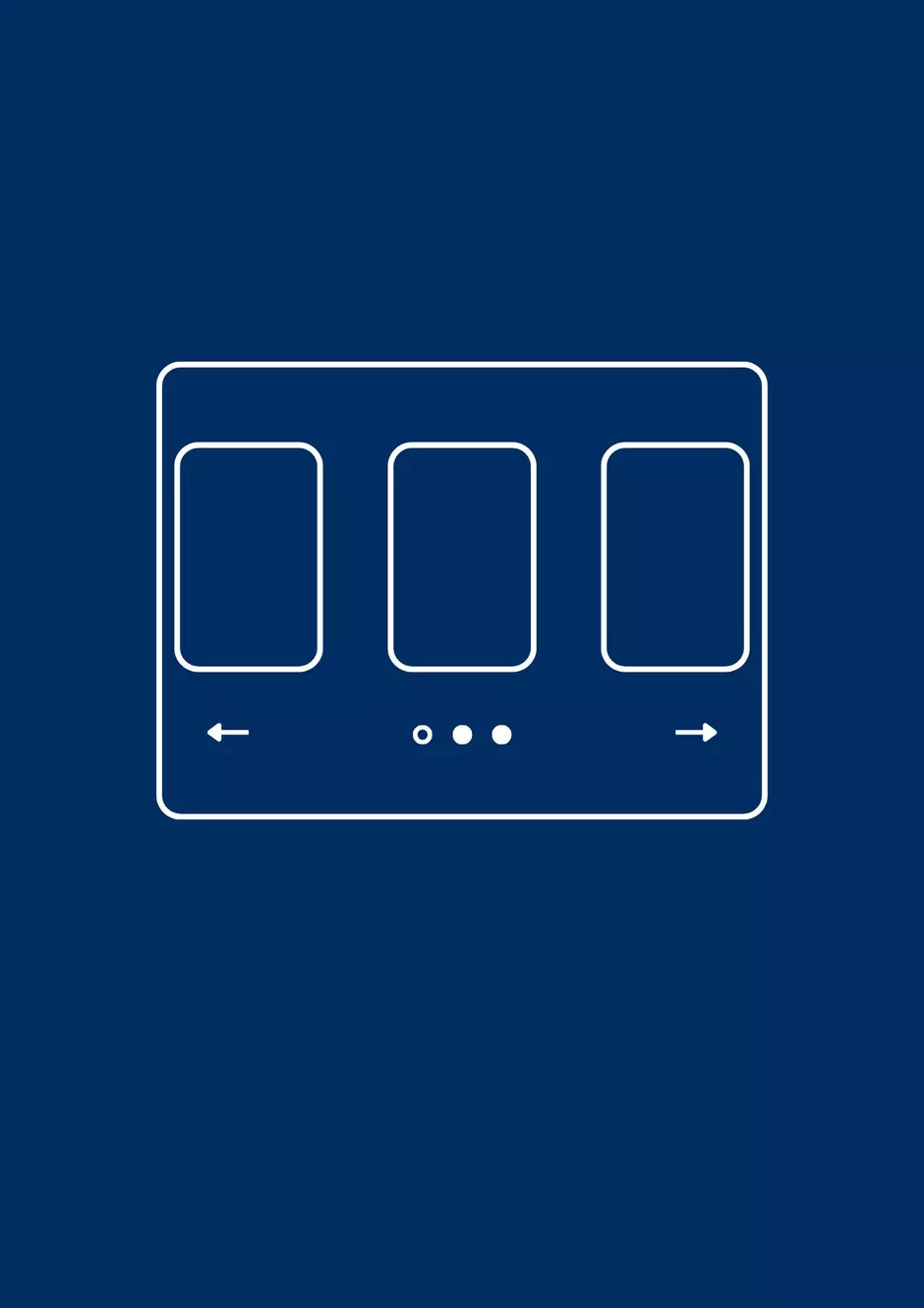
The Showcase Cards component displays information in compact blocks with an image and preview, ideal for showcasing portfolios or introducing business cases.
How to edit in the back office?
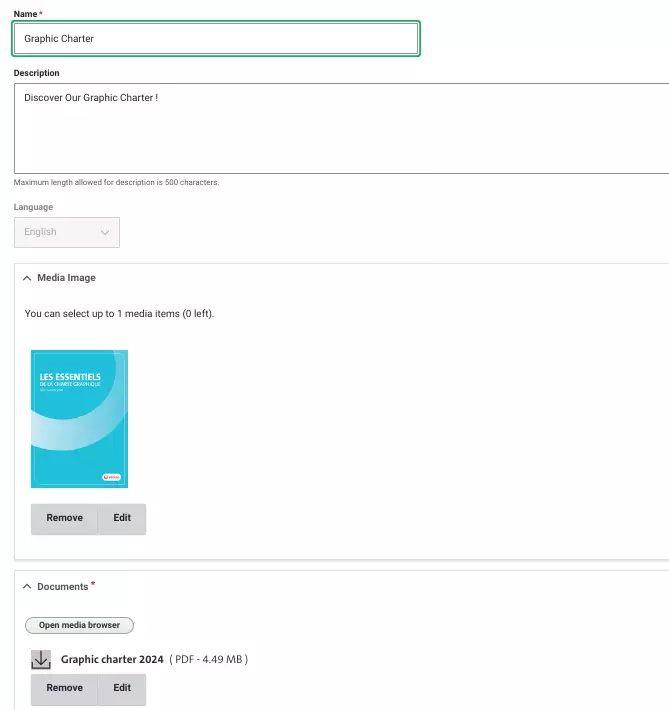
To set up the Showcase Card component, begin by entering a title to define the overall purpose of the card.
Next, move on to designing the card itself. Start by selecting a media file, which will serve as the main visual element. Then, specify a location to appear at the top of the card.
Below the location, add a title, which will be prominently displayed, followed by a description that gives a brief overview of the card's content.
Examples:

Lorem ipsum dolor sit amet, Nocturna Splendor i Times Square, ubi lumina vibrantes et arcus neoneae urbem nocte illuminant. Phasellus vehicula risus eu sapien bibendum, simile energiae metropolitanae quae numquam dormit.

Veolia in Anglia, ubi lumina scintillans et innovatio sustinabilis urbem nocte illuminant. Phasellus solutioe eco-responsabilia transformant energiam metropolitanam, quae numquam dormit.